What Happens When 100,000 Devices Wake Up at the Same Second


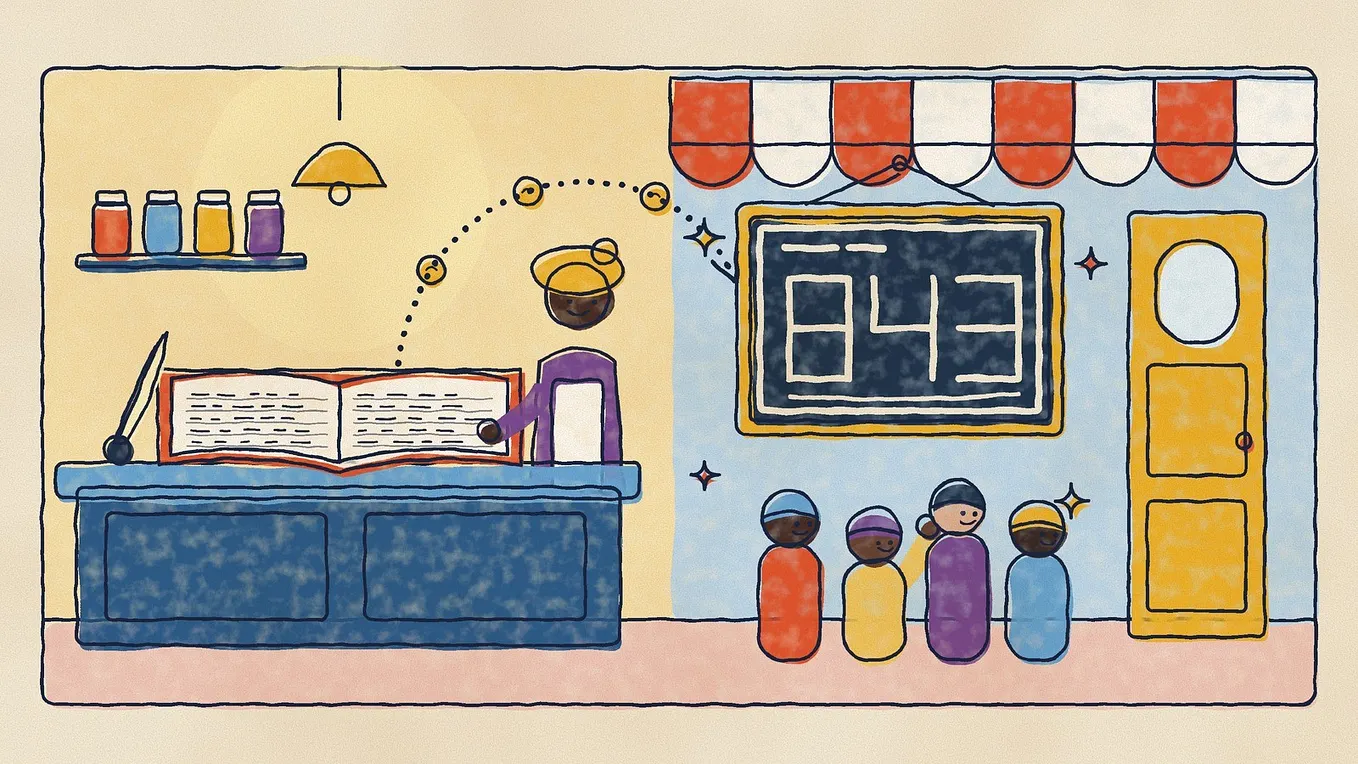
Imagine a city where every street lamp can phone a control room. One evening the power fails. When it returns, 100,000 lamps notice they are offline and try to call in at the exact same second.
The control room is not broken. The lamps are not broken either. The problem is that every device made the same sensible decision at the same moment. Most device fleets that fall over do so for this reason. It has little to do with any single device and everything to do with what happens when thousands of them behave identically.
This is the world of IoT: meters, sensors, vehicles, point-of-sale terminals, lamps, pumps and thermostats. The earlier days covered what happens inside your servers and databases. Today is about the part that sits outside them, a crowd of small devices on weak networks that you do not control. Four decisions matter most.
1. The language devices speak: MQTT
Most fleets talk through MQTT, a lightweight publish and subscribe protocol standardized by OASIS and ISO. Instead of every device calling your server directly, devices connect to a middle server called a broker. A device publishes a message to a named topic, and any system interested in that topic subscribes to it. The sender and receiver never need to know about each other, and the smallest MQTT packet is only 2 bytes, which suits small devices.
A simple topic layout helps you scale later. For example:
fleet/{region}/{device_id}/telemetry
fleet/{region}/{device_id}/status
fleet/{region}/{device_id}/commands
A backend service can then subscribe to fleet/+/+/telemetry to receive readings from every device (in MQTT, + stands for “any single level”), while a dashboard watches only one region.
How sure must delivery be? MQTT gives you three levels, called QoS. QoS 0 is at most once: send it and forget it, so a message can be lost. QoS 1 is at least once: the sender keeps the message until the receiver acknowledges it, so it always arrives but may arrive more than once. QoS 2 is exactly once: a four step handshake prevents duplicates, but it costs more traffic. One more rule to know: the level actually used is the lower of what the publisher sent and what the subscriber asked for.
A common choice for readings is QoS 1, because losing a measurement is usually worse than receiving it twice. But that choice has a consequence. Duplicates will arrive, so your backend must handle them. This is the same lesson as in a previous post here, where queues deliver a job at least once and the same job can run twice, and in a previous post here, where an idempotency key lets a server recognise a repeated request and return the same answer instead of doing the work again. Give each reading a unique ID and ignore ones you have already stored.
Knowing which devices are online. Two MQTT features work together here. When a device connects, it can register a Last Will and Testament, which is a message the broker publishes for it if the device vanishes without saying goodbye. After connecting, the device publishes a retained “online” message to the same topic, and a retained message is kept by the broker so anyone who subscribes later still sees the latest state. If the device drops, the broker publishes the “offline” will, which replaces the retained message. When it returns, its new “online” message replaces the will. Anyone can check one topic and know the device’s status. HiveMQ describes this pattern in managing device state in MQTT. The basic version only covers ungraceful disconnects, so a graceful goodbye needs its own message.
Scaling the consumers. With MQTT 5, you can use shared subscriptions. Normally every subscriber gets every message. With a shared subscription such as $share/ingest/fleet/+/+/telemetry, a group of workers named “ingest” splits the traffic, and each message goes to only one worker. If a worker disconnects before acknowledging a QoS 1 message, the broker resends it to another worker in the group. There is no ordering guarantee between workers, so do not rely on order across devices.
Get Rufus Kehinde’s stories in your inbox
Join Medium for free to get updates from this writer.
2. The reconnect storm
Back to the street lamps. After an outage, every device thinks the same thing: “I am offline, retry.” If every device retries after exactly 5 seconds, then 10, then 20, the broker is hit by the entire fleet at once, again and again.
The textbook fix has two parts. First, exponential backoff: wait longer after each failure. Second, jitter: add a random element so devices do not move in lockstep. Backoff alone is not enough, because devices that started together still stay bunched. The AWS Architecture Blog simulated this and found that the version without jitter was the clear loser, doing more work and taking longer, and that full jitter cut the number of calls by more than half with 100 contending clients.
The “full jitter” formula is short and works in any language:
delay = random_between(0, min(cap, base * 2 ^ attempt))
Pick a base such as 1 second and a cap such as a few minutes. Each device draws its own random delay, so the crowd spreads out into a steady trickle. Also make devices wait a random moment after power returns before the first attempt, because the first attempt is where the biggest spike happens.
The server also needs a defence for when devices misbehave anyway. That is the job of rate limiting, covered in a previous post here, where a bus conductor says “full” so the bus does not break. Keep alive settings matter too. Platforms have bounds: AWS IoT Core, for example, treats a requested keep alive of 30 to 1,200 seconds as the effective range. Shorter intervals detect dead devices faster but create more traffic across a large fleet.
3. Ingestion: do not wire the broker straight to the database
Readings arrive in bursts. If the broker pushes every message directly into the database, a burst turns into a pile of simultaneous writes, and the database falls over, taking your history with it.
A sturdier path puts a queue between them: devices publish to the broker, workers pull from a shared subscription or a queue and write in batches, and the data lands in a store built for it. A burst then waits in line instead of crashing the writers, which is the idea behind a previous post here. Batching also happens at the device: sending ten readings in one message is usually cheaper than ten messages. Mind the limits of your platform. AWS IoT Core url, for example, rejects a publish larger than 128 KB, and that limit cannot be raised.
How big can a broker get? Vendors publish their own tests, and they are worth reading with care. EMQX reported 100 million MQTT connections on a 23 node cluster, with a steady background of about 90,000 messages per second and peaks above 1 million. The same write-up says it used custom forks of tools to run the test, connected load generators directly to some nodes with no load balancer, and ran on large bare metal instances. It is a proof that the ceiling is high, not a promise that your fleet will behave like that.
For storage, time series data grows fast and is rarely edited, so plan for keeping recent data detailed and older data summarised. We will go deeper on partitioning and archiving in the database days later in this series.
4. Updating firmware without bricking the fleet
An update is the riskiest thing you will ever send to a fleet. A bad version can leave thousands of devices unable to start, often in places where nobody can walk up and reset them. Four habits reduce the risk.
- Write to a spare partition. In an A/B update design, the device runs on partition A while the new version is written to partition B. Only after the write succeeds does the bootloader switch to B. If the new version fails, the device rolls back to A and stays usable. The running system is never overwritten, which also protects against a power cut halfway through the write.
- Confirm before committing. Do not mark the update as good just because the device booted. Run checks first, such as network connectivity and whether the critical application started, and revert if boot fails a set number of times or no success report arrives within a timeout.
- Sign the image. Code signing means the device checks a digital signature before it runs new firmware, so it accepts only your code. Validate the hash or signature before boot.
- Roll out in waves. Start with a small canary group, watch the results, then widen. Platforms help here. AWS IoT Jobs lets you set a rollout rate, for example starting at 50 devices per minute and doubling as the notified or succeeded count reaches 1,000, then 2,000, then 3,000 (the page’s own example). You can also set abort criteria, such as a threshold percentage of failures, so the rollout stops itself.
Note the details: when an abort fires, queued executions are canceled but those already in progress are not, and retries (up to 10 per device) can add cost, so AWS recommends pairing them with an abort setting. The same ideas exist on other platforms.
The common thread
All four decisions come from one habit: assume every device will do the same thing at the same moment, then design so that this is fine. Randomised retries, queues in front of databases, duplicate tolerant handlers and wave based updates are not clever, but they are what keep a fleet boring on the worst day.
A quick audit for your own fleet: what do devices do when the network returns, what happens to a message delivered twice, how many writes can your database take in one second, and how would you stop a bad update at 2 percent instead of 100?