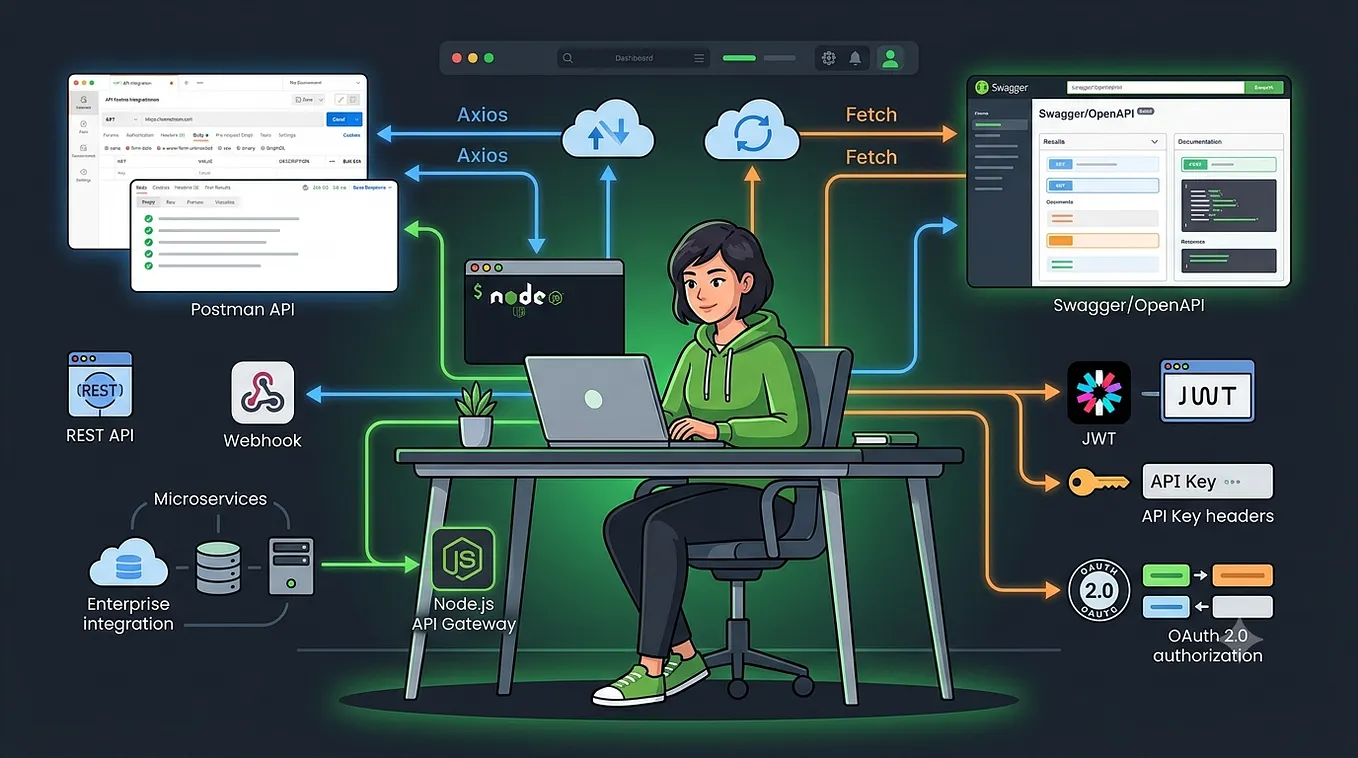
Organizing and Managing Rest API in Node.js

Introduction
In today’s world, Node.js is a fantastic tool for building fast, performant, efficient, and scalable REST APIs. To create them, Express.js is the most popular and amazing framework. However, the weirdest and silliest part is that Express doesn’t provide any clues related to organizing and managing a Node.js project. It’s totally up to you how you organize and manage your code. If you are a beginner and don’t have enough experience, you can easily end up creating a whole mess.
The organization of your Node.js project is a game-changer. It will prevent inconsistencies due to code duplication, enhance stability, prevent infinite hours for refactoring, and help scale your services whenever required.
Imagine the efficiency and scalability you can unlock with a well-structured project.
Long story short, in this blog, I will go through a boilerplate that you can use whenever you are going to create any REST API. This boilerplate is actually a game-changer, containing:
- Well-organized and properly structured code using a 3-layer architecture
- Generic modules to remove inconsistencies
- Flexible and painless exception/error handling
- Consistent response senders
As this blog purely focuses on organizing and managing REST APIs with Node.js and Express.js, we are not using any real database. Instead, we’re using just mocked data as database models. You can replace calls to mocked data easily with whatever database you are going to use.
In the boilerplate I have created user and post service containing following endpoints:
POSTon the endpoint/api/user/createUser(create a new user)POSTon the endpoint/api/user/login(login user with email and password, you can see mocked user data in models folder for credentials)
Note: token returned from this endpoint need to be passed as x-auth-token header for all post module endpointsPOSTon the endpoint/api/post(create new post)PUTon the endpoint/api/post(update post)GETon the endpoint/api/post(get all posts for logged in user)DELETEon the endpoint/api/post/:postId(remove a specific post)
Folder Structure
I organized code in our boilerplate Node.js project as:

controllers: Separate controller for the routes of each module (e.g. user module) that process and validate client request and sends response back to client
helpers: Generic helper functions that can be used in overall project (will discuss some of them in detail in this blog)
loaders: Loading of startup processes e.g. express routes loader
middlewares: Logic to run on each request before it get processed by API endpoint or before sending response back to client
models: Your database models will reside here that will expose functionality to interact with database. Currently for this blog it just contain mocked data models
routes: Containing routes for each module separately that just forward request to controller
services: Separate service for each module that contains business logic
server.js: starting point of our App
3 Layer Architecture
Idea behind 3 layer architecture is mainly separation of concern. Each layer is responsible of his concerned operation only. These are 3 layers:

Controller Layer: This layer is responsible to process and validate request coming from client and then return desired response back to client.
Express request and response object should be restricted to this layer and we should not pass these objects to service layer and also no business logic should exist in controller.
Service Layer: This layer contains pure business logic for the application, controller will pass only desired data as input to service to perform business logic and service return processed data which controller sends to client. This makes the service agnostic to the input or output technology, allowing it to serve calls from a web form, rest calls, cli etc.
Service should not return anything related to HTTP transport layer like status code or some headers.
Data Layer: This layer provides simplified access to data stored in persistent storage of some kind, such as an entity-relational database
Code Example:
Get Hammad Shahid’s stories in your inbox
Join Medium for free to get updates from this writer.
Post Controller updatePost Function (controllers\post.controller.js)
updatePost: async (req, res) => {
    const errorMsgs = joiValidator(
      req.body,
      postSchemas.updatePostSchema
    );
    if (errorMsgs) {
      return responseSender.sendValidationError(res, errorMsgs);
    }
    const post = await postService.updatePost(
      req.user.userId,
      req.body
    );
    return responseSender.sendSuccessResponse(res, post);
  }
Post Service updatePost Function (services\post.service.js)
updatePost: async (userId, updatedPost) => {
    const postIndex = postsData.findIndex(p => p.userId === userId && p.id === updatedPost.id);
    if (postIndex === -1) throw exceptionGenerator("Post to update not found", 404);
    postsData[postIndex] = {...postsData[postIndex], ...updatedPost};
    return postsData[postIndex];
  },
You can notice that controller is just handling request and response part and service is just handling business logic only.
Generic Response Senders
While sending success or error response from Rest API we should follow some standard and all the endpoints should return consistent response format to avoid unexpected errors and inconsistencies for client. I have created generic response handlers that are used by each and every endpoint to return response and force consistency. Here we have a code snippet for it
helpers\responseSender.helper.js
module.exports = {
  sendErrorResponse: (res, err, code) => {
    if (!code) {
      code = 500;
    }
    if (!err || code === 500) {
      err = "Some unexpected error occur";
    }

    return res.status(code).send({
      status: false,
      message: err,
      errors: [err],
    });
  },
  sendValidationError: (res, errors) => {
    return res.status(422).send({
      status: false,
      message: "Validation Failed",
      errors: Array.isArray(errors) ? errors : ["Validation Failed"],
    });
  },
  sendSuccessResponse: (res, data, msg, code) => {
    if (!code) {
      code = 200;
    }
    if (!msg) {
      msg = "API executed successfully";
    }
    return res.status(code).send({
      status: true,
      message: msg,
      data: data ?? null,
    });
  },
};
To send success response I am using sendSuccessResponse and every success response will return status, message and data in response
To send error response we are using sendErrorResponse and every error generated from our system will return status, message and errors in response
To send validation error we are using sendValidationError which will always return status code 422 with status, message and errors in response
Example of one endpoint using above response senders
controllers\post.controller.js
 createNewPost: async (req, res) => {
    const errorMsgs = joiValidator(req.body, postSchemas.createPostSchema);
    if (errorMsgs) {
      return responseSender.sendValidationError(res, errorMsgs); // sending validation error
    }
    const course = await postService.createPost(req.user.userId, req.body);
    return responseSender.sendSuccessResponse(res, course); // sending success response
  }
Generic Exception Handling
In Node.js Rest APIs you must have seen a lot of try/catch blocks that are creating mess in code and besides that if you miss try/catch at some place which can produce exception then such code part will cause unhandled promise rejection issue which can cause your process to terminate or produce unexpected results. To avoid that I have created generic exception handler that will wrap each of your endpoint with single consistent and generic try/catch block which will catch your exceptions and will return desired error response. By using that you don’t need to wrap each endpoint with separate try/catch blocks. Here is code snippet for it
helpers\asyncRouteHandler.helper.js
function asyncHandler(handler) {
  return async (req, res, next) => {
    try {
      await handler(req, res);
    } catch (ex) {
      next(ex);
    }
  };
}
That handler is controller function which you wrapped and next(ex) will trigger middleware handling exception case. Our error handling middleware contains following code
middlewares\errorHandler.middleware.js
function errorHandler(err, req, res, next) {

  if (!err.code) {
   // add logic to log unhandled errors
   console.log("Unexpected error: ", err);
  }

  if (err.name === "ValidationError" && err.errors) {
    const errMsgs = Object.keys(err.errors).map((errKey) => {
      return (
        err.errors[errKey]?.properties?.message ?? "Some validation failed"
      );
    });
    return responseSender.sendValidationError(res, errMsgs);
  } else
    return responseSender.sendErrorResponse(res, err.message, err.code ?? 500);
}
All the exceptions will trigger that middleware which will send generic error response to consumer of API.
Here is an example of usage of generic error handler
routes\post.route.js
router.post(
  "/", asyncHandler(postController.createNewPost));
router.put(
  "/",asyncHandler(postController.updatePost));
router.delete(
  "/:postId",
  asyncHandler(postController.deletePost));
router.get("/", asyncHandler(postController.getAllUserPosts));
All the controllers of post module are wrappeed with asyncHandler containing single try/catch to handle exceptions nicely and return desired error response.
Tip
if you want to handle error differently for some specific case and not want that generic error handler to execute then you can wrap your code part with your own try/catch. Here is an example of that scenario
getAllUserPosts: async(req, res) => {
    try{
      const posts  = await postService.getAllPosts(req.user.userId);
      return responseSender.sendSuccessResponse(res, posts);
    }catch(error){
      if(error.code === 404) return responseSender.sendSuccessResponse(res, []);
      throw error;
    }
  }
In case of 404 I want to send empty array instead of error, otherwise I want generic error handler to return error, to implement that I have added my own custom try/catch
Loaders
In most of Node.js based Rest APIs we have a startup file(server.js/index.js) that contains code to start up node instance and this part of application is a total mess containing a lot of unrelated code in single file.
In order to handle that mess loaders are tiny files solely responsible to load specific modules that are required by your application to start. Here is an example of loader loading express app with all the routes
loaders\allRoutes.loader.js
module.exports = function (app) {
  //middlewares
 app.use(express.static("public"));
 app.use(express.json());

 //routes
 app.use("/api/post", postRoutes);
 app.use("/api/user", userRoutes);

 //error handling middleware
 app.use(errorHandler);
};
And we have loaded express like that in server.js file, which results in our server.js file to look small and concise like below
const express = require("express");

require("dotenv").config({
  path: process.env.NODE_ENV ? ".env" : ".env.development",
});
const app = express();
require("./loaders/allRoutes.loader")(app);

process.on("uncaughtException", (ex) => {
  // log uncaught exceptions here
  process.exit(1);
});

process.on("unhandledRejection", (ex) => {
  // log unhandled rejections here
  process.exit(1);
});

const port = process.env.PORT || 3000;
app.listen(port, () => console.log(`Listening on port ${port}...`));
Conclusion
We deep dived into a node js boilerplate that can be used to start any Rest API project with properly organized, scaleable and managed code. Here are some summarized tips:
- Always use 3 layered architecture to have proper organization of code where business logic will be independent of consumer service
- Use generic response structure to have consistancy and error free handling for consumers of API
- Use generic error handling to avoid mess of try/catch blocks
- Create loaders to have pretty nice modules that can be loaded independently and have clean startup file
Example Repository Link
Happy Coding !!! :)