The First Day of a Data Agent Shouldn’t Be Boilerplate
Part 5 of 14 · The Complete Agent Stack · Ontology. How a setup agent writes the first draft of your ontology, so you can spend your time reviewing it.


The Complete Agent Stack
- Ontology: 1 Data Models · 2 Row-Level Security · 3 Data Plane · 4 Workspaces · 5 Self-Serve Onboarding ← You are here
- Agent harness: 6 Harness 2.0 · 7 MCP Connections
- Distribution: 8 BI Canvases · 9 Branded HTML Apps · 10 MCP for Claude · 11 Demo Projects
- Improvement loop: 12 Observability · 13 Golden Questions · 14 Builder Agent
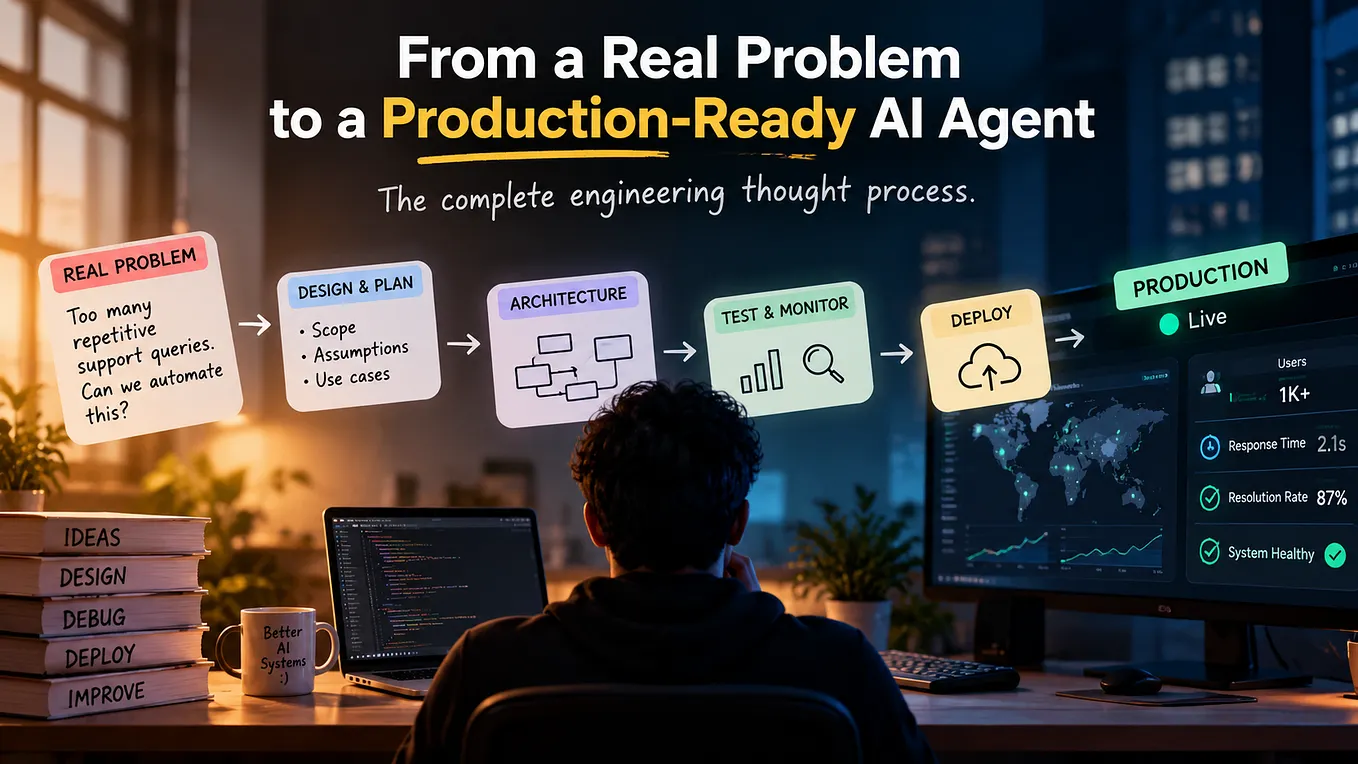
The slowest part of building a data agent is the part nobody demos. Someone has to write a description for every table and column, a system prompt, and the first few skills. It takes weeks, and until it’s done the agent isn’t much use.
The last four parts made the case for a strong ontology. This one is about how to get a first version of it without spending the first month on it.
The cold start problem
Most teams hit three walls before they see a single good answer. Trying the product means booking a demo and waiting for an account. The workspace starts empty, so the first day goes on setup. And the descriptions, prompts and skills that make an agent accurate take weeks to write by hand.
None of that work is optional, because Parts 1 to 4 depend on it. But most of it is the same kind of work every time: read the tables, work out what they mean, and write it down.
Let an agent write the first draft
That’s the job we gave Dash, our setup agent. You connect your data, whether that’s a database, a CSV, the sample data, or any of 300 sources through the Data Plane. You can also connect MCP servers such as Notion or HubSpot and upload files that describe your business rules. Then Dash reads all of it: every table, every column, every MCP server and every file.
Depending on how much you give it, that takes from one minute to 30. Dash uses the same logic as the Builder Agent we’ll meet in Part 14, pointed at an empty workspace instead of a mature one.
“This just helps you set up your workspace from zero, so you don’t have to waste your time doing all this initial boilerplate setup.”
— Serguei Balanovich, CTO of Upsolve AI

What it produced in four minutes
In the demo, Dash ran against the sample connection and finished in about three and a half minutes. It wrote five table definitions and 26 column definitions. It added context files explaining how to read the table values and how to count Olympic medals, plus a file of assumptions and caveats it found while scanning.
Get Ka Ling Wu’s stories in your inbox
Join Medium for free to get updates from this writer.
It also noticed the connection held two unrelated datasets, Olympic results and New Zealand business financials. So it created two separate skills, one for each kind of question, and wrote a system prompt that tells the agent when to use which.
Let an agent write the first draft, and keep the review for yourself.
Everything lands in a draft
None of this goes live on its own. Dash writes everything into a draft of the workspace from Part 4, and you review the definitions, context files, skills and instructions before publishing. In the demo, publishing created version two, and the playground was ready to take questions straight away.
Give it real context
Dash can only describe what it can read. On sample data it makes sensible guesses, and it labels its assumptions so you know which ones to check. On your own data, the quality of the first draft depends on what you hand it: the Notion space where your metrics are defined, the doc that explains your pricing tiers, the file of business rules your analysts keep.
The more of your own documentation Dash reads, the less of its draft you’ll need to rewrite.
Free to try
The whole stack is available on the free tier at upsolve.ai. It comes with 2,000 one-time AI credits and every pro feature, limited only by the credits. That’s enough to build an agent, ask it real questions and put the answers on a canvas before you talk to anyone.
Where I’d start
Sign up, create a project, and connect the smallest real dataset you have, along with one document that explains it. Let Dash run, then read its assumptions and caveats file before anything else. That file tells you where your data is ambiguous, which is useful even if you never ship the agent.
The first draft of an agent used to take a month. Now the review is the slow part, which is where your time should go.
Read more about Self-Serve Onboarding in Upsolve →
For the step-by-step version, read the full guide on the Upsolve blog.
Next in the series: Part 6, Harness 2.0, on why we rebuilt our agent harness from scratch.
Prefer the 45-second version? Watch the Self-Serve Onboarding teaser on YouTube:
Follow me on Medium and LinkedIn for more on analytics agents, context engineering and production AI. If you want to try the stack yourself, start free at upsolve.ai.