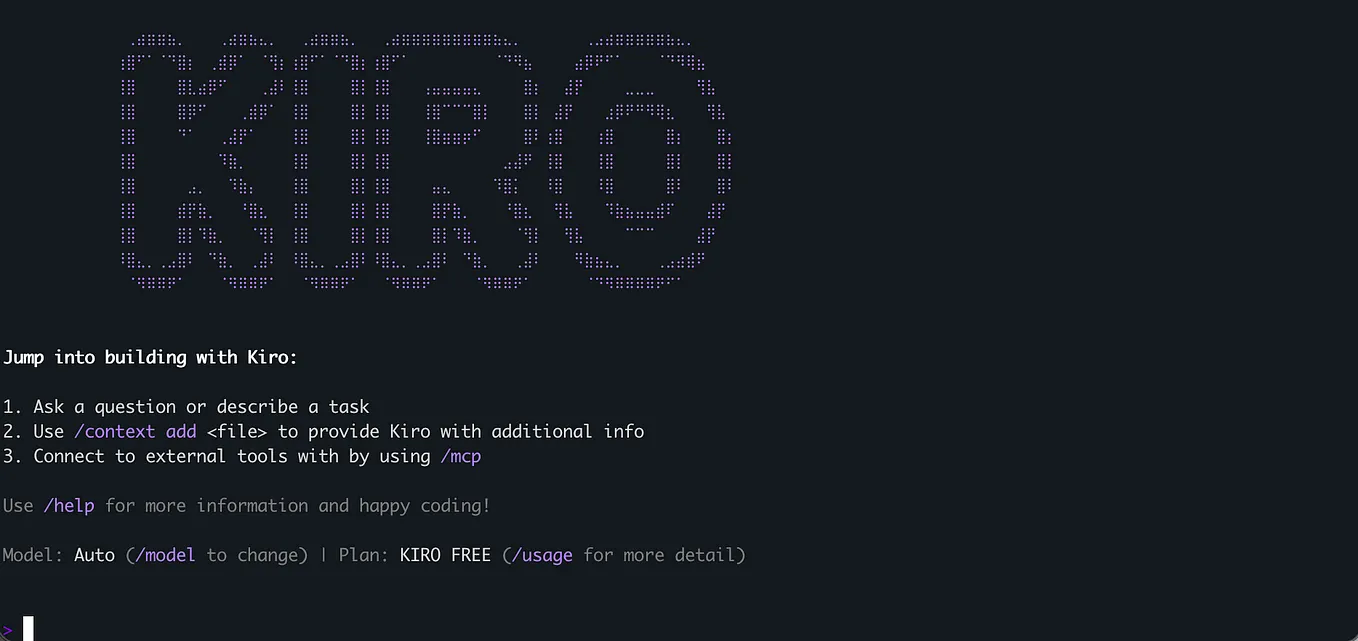
Generate AWS Architecture Diagrams Using Kiro CLI (MCP-powered)
Building clean, consistent system diagrams is often harder than building the actual system. You need the right tools, the right icons, and the right styling — and even then, diagrams can look inconsistent across documentation, architecture reviews, or stakeholder presentations.
But with Kiro CLI, generating AWS architecture diagrams becomes dramatically simpler.
Instead of dragging shapes or manually arranging icons, you describe what you want in plain English — and Kiro creates the architecture diagram for you using Model Context Protocol (MCP).
This guide walks you through how to configure Kiro CLI to generate AWS diagrams, and how to build Web App, Three-Tier, and Data Processing architectures.
What is Model Context Protocol (MCP)?
The Model Context Protocol is an open standard that enables AI tools (like Kiro) to securely connect to external data sources, tools, or custom servers.
As Anthropic defines it:
“The Model Context Protocol enables developers to build secure, two-way connections between their data sources and AI-powered tools. Developers can create MCP servers to expose data, or build MCP clients that connect to these servers.”
In our case:
Kiro CLI (the MCP client) connects to AWS Diagram MCP servers, enabling Kiro to generate architecture diagrams directly from your prompts.
Prerequisites
Before starting, ensure:
- You have an AWS Account
- You have permissions to use required services
- You are using macOS / Linux (Windows WSL works too)
Step 1 — Install & Configure Kiro CLI
curl -fsSL https://get.kiro.run | bash
Login:
kiro login
To verify installation:
kiro --versionStep 2 — Install Python + uv Runtime
pip install uv
uv python install 3.1
Kiro uses uv to run MCP servers smoothly.
Step 3 — Install Graphviz
This is required for rendering diagrams.
brew install graphviz(Or apt install graphviz on Linux)
Step 4 — Configure MCP Servers for AWS Diagrams
Edit the Kiro config file:
nano ~/.kiro/settings/mcp.jsonAdd AWS diagram + AWS documentation MCP servers:
{
  "mcpServers": {
    "awslabs.aws-diagram-mcp-server": {
      "command": "uvx",
      "args": ["awslabs.aws-diagram-mcp-server"],
      "env": {
        "FASTMCP_LOG_LEVEL": "ERROR"
      }
    },
    "awslabs.aws-documentation-mcp-server": {
      "command": "uvx",
      "args": ["awslabs.aws-documentation-mcp-server@latest"],
      "env": {
        "FASTMCP_LOG_LEVEL": "ERROR"
      }
    }
  }
}
Save and exit.
Step 5 — Verify Everything Works
kiro-cli
You should see both AWS MCP servers running successfully.
Moment of Truth — Generate AWS Architecture Diagrams Using Kiro CLI
We’ll generate three diagrams:
Get sanjid salam’s stories in your inbox
Join Medium for free to get updates from this writer.
1️⃣ Web Application Architecture
2️⃣ Three-tier Architecture
3️⃣ Data Processing Architecture
Kiro can output SVG, PNG, PDF, or raw Graphviz.
To generate any architecture diagram:
kiro generate diagram "<your prompt here>" --output web-architecture.svg1. Highly Available Web Application Architecture
Prompt Used in Kiro
kiro generate diagram "
Create a detailed AWS architecture diagram using Graphviz for a simple, highly available web application.
Requirements:
- VPC with two Availability Zones.
- Public subnets for ALB + NAT Gateway.
- Private subnets for EC2 + RDS (Multi-AZ).
- ALB distributes traffic to two EC2 instances.
- EC2 communicates with RDS securely.
- Include IGW, security groups, and traffic flow arrows.
- Clearly separate presentation, application, and database tiers.
" --output web-ha-architecture.svg
📌 Output:
A clean AWS-style architecture diagram generated automatically by Kiro CLI.

2. Three-Tier Architecture with ECS, ALB & Aurora
Prompt Used in Kiro
Generate diagram "
Create a detailed AWS 3-tier architecture diagram.
VPC:
- Two AZs with public + private subnets.
- IGW + NAT Gateways.Presentation Tier:
- CloudFront
- ALB in public subnetsApplication Tier:
- ECS Fargate running microservices in private subnets
- ECS tasks pull images from ECRData Tier:
- Aurora PostgreSQL Multi-AZ in private subnetsNetworking:
- CloudFront → ALB → ECS → Aurora
- Show SG relationships and subnet groupings.Output goal:
- AWS best practice layout with clear tier separation.
" --output three-tier-architecture.svg
📌 Output:
A fully structured multi-tier AWS architecture diagram.

3. Data Processing Pipeline Architecture
Prompt Used in Kiro
Generate diagram " Create a data processing pipeline diagram using AWS services.
Four clusters:
1. Data Ingestion – Kinesis Data Streams
2. Data Processing – Lambda, AWS Glue
3. Data Storage – S3 buckets (Raw, Processed, Curated)
4. Analytics – QuickSightInclude:
- Data flow arrows
- IAM role boundaries (optional)
- Regional groupingEnsure AWS best practice visualization.
" --output data-processing-architecture.svg
📌 Output:
A clean multi-stage data pipeline diagram with clear clustering.

Conclusion
Using Kiro CLI with MCP servers to generate AWS diagrams is a game-changer.
What used to take hours in tools like Lucidchart, Draw.io, or Cloudcraft now takes one clear prompt.
Kiro isn’t trying to replace human-designed architecture diagrams — but it gives you:
- A perfect starting point
- A consistent AWS icon set
- Automated layout + traffic flow
- Faster documentation
- Cleaner communication with teams & stakeholders
As AI tooling evolves, Kiro will become an indispensable partner in how we design, document, and iterate on cloud architecture.