Some Common Networking Devices and Terminology
Hello everyone, I’m back with a new blog. Today we’re going to talk about some common networking devices and some terms you must know before understanding TCP/IP and the OSI model.
So, let’s begin.
Some Common Terms
Bandwidth
We can define bandwidth as the “maximum rate of data transfer across a networking path.” In other words, “it is the maximum data-carrying capacity of a medium.”
It is measured as the number of bits transferred per second (e.g., Kbps (kilobits per second), Mbps (megabits per second), etc.). I hope you’re on the right track of thinking that it’s the same internet speed you talk about — more specifically, we can call it the “theoretical internet speed.”
The real internet speed is throughput. Let’s talk about it.
(Take a close look: I’m using a small ‘b’ in these units because it stands for “bit.” Meanwhile, if you see “KBps” somewhere, that’s a different unit — here ‘B’ stands for “byte.” There is a simple mathematical relation between them: 1 byte = 8 bits.)
Throughput
As I said earlier, it’s the real internet speed. Hence, we can also define it as the measure of transfer of bits across a medium over a given period of time. But it takes into account a number of different factors due to which our internet speed gets affected (e.g., the amount and type of data being transferred, latency due to multiple devices in the path, weather, etc.).
It’s now obvious to say that it will always be less than or equal to bandwidth. One more thing: as you know, when you send data, it will go through many devices before reaching its destination. Every device segment will have its own bandwidth; hence, only a single low-bandwidth link can slow down your whole network, no matter how high the other bandwidths are.
(In case you are wondering, latency is the amount of time data takes to reach from one device to another.)
IP Address
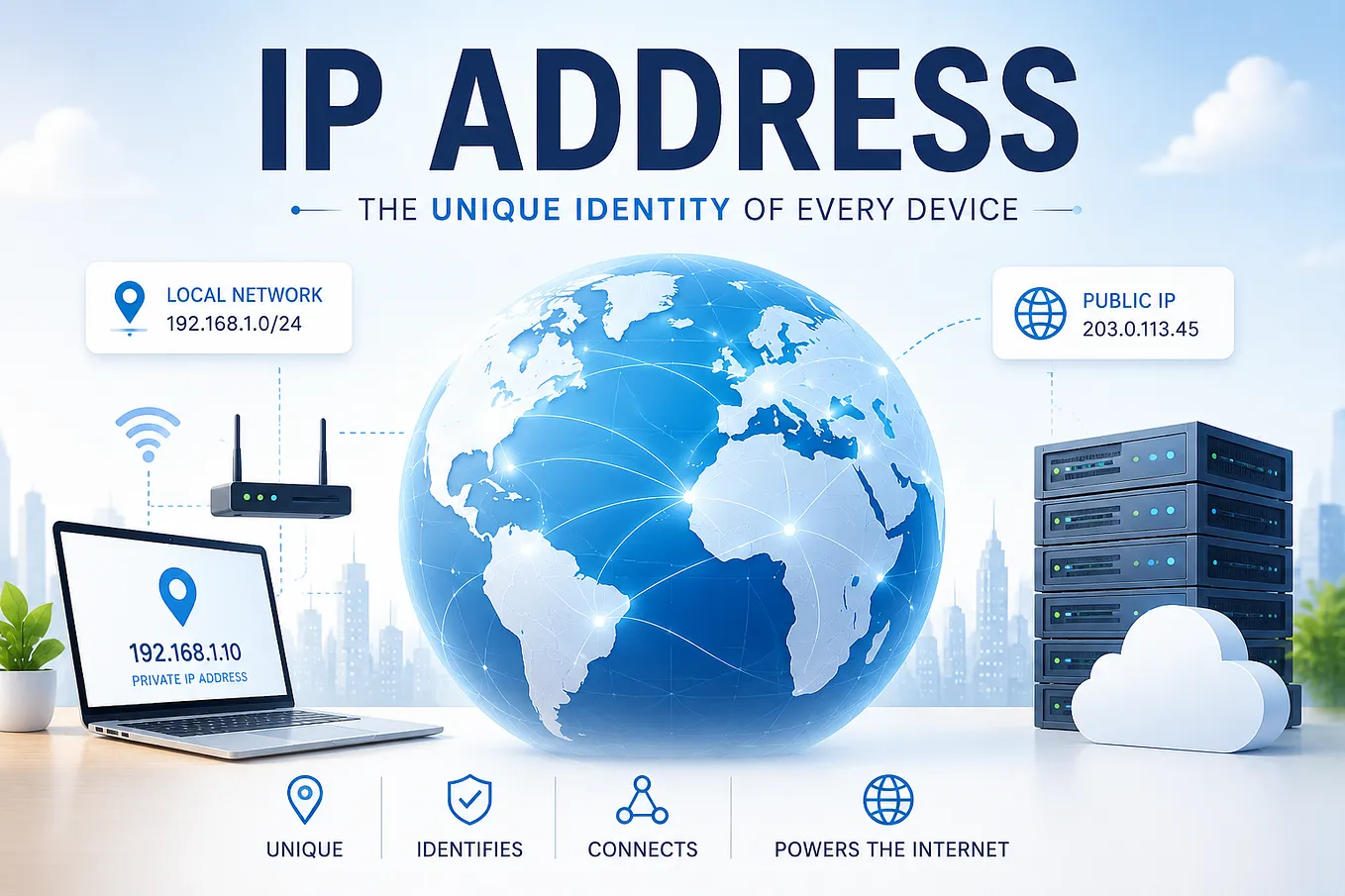
Just like in the physical world you have an address, your online presence also has an address known as an IP address (Internet Protocol address). It’s like a unique code assigned to each device to identify each other and communicate. Hence, each data packet sent to you will contain your IP address.
There are two versions of IP addresses:
1. IPv4
It’s a 32-bit number which consists of 4 different numbers ranging from 0–255, separated by dots. These 4 numbers are known as octets. These 4 octets can be classified into 2 parts, in which the first part identifies the network and the second part identifies the device on the network.
Example: “192.168.1.25”, in which “192.168.1” gives you the network and “25” the host.
In this case, it can also be written as “192.168.1.25/24”, because the initial 24 bits represent the network.
(In case you are wondering, other devices know — with the help of the subnet mask — how many initial bits represent the network IP.)
(As devices grew in number, IPv4 was unable to handle it because it can only have ~4.3 billion different addresses. Hence, the IPv6 address was introduced. But that doesn’t mean IPv4 is not used anymore — it is still in use.)
2. IPv6
It is a 128-bit address, which is divided into 8 parts and separated with colons. Each part is written in hexadecimal characters instead of numbers only; hence, it contains alphanumeric characters.
Similar to IPv4, it also has two parts: one for the network and one for the host. But here, generally the initial 64 bits represent the network and the last 64 bits represent the host.
It can be assigned to ~3.4 × 1⁰³⁸ different devices.
Example:
2001:db8:abcd:1234:5678:9abc:def0:1234
← — 64 bits — — -> ← — 64 bits — — ->
| Network Prefix | Interface Identifier |
Types of IP Address
1. Public IP
This is the IP address which represents you on the internet. If someone sends you something from outside of your network, then the data packets will contain your public IP address. It is like the street address for your house.
2. Private IP
Inside a network, to identify different devices we use private IP addresses. It is like the house address on the street. If a device inside your network tries to send you data, then it will use this IP address.
There is another criterion too for classifying IP addresses: static and dynamic. Static stays the same over time, while dynamic changes regularly.
(There are two more criteria to classify IP addresses: first is based on operational characteristics and second is website IP addresses. We will talk about them later.)
MAC Address
A MAC (Media Access Control) address is a 48-bit number which is embedded on a computer’s hardware NIC (Network Interface Card), which is responsible for connecting the device to the internet. It is a 12-character hexadecimal number in which the first 6 represent the manufacturer and the last 6 are unique numbers for the device.
Example: “a3:c5:f1:65:cd:2d”
Get Shubh Varshney’s stories in your inbox
Join Medium for free to get updates from this writer.
(You may be wondering why we need two addresses — MAC and IP — both. I will explain it in the next blog while explaining the OSI model.)
VPN
I bet you have used it at least once in the past — for playing a game which was not available in your area, or downloading a movie through piracy. Now let’s see what provides you these services.
VPN stands for Virtual Private Network. It forms a secure and encrypted tunnel to the VPN server from your device. After this, no one on the internet can see your real public IP address; they will see the VPN server’s IP address. Not only that, now even your ISP can’t see the data you are transmitting — it can only see that you are connected to the VPN server.

Some Common Networking Devices
1. Network Interface Card (NIC)
It is a hardware component that acts as an interface between the network and the hardware — that’s what the name means. If any device needs an internet connection, then it must have a NIC.
It can be a USB device, may be built-in on a motherboard, or can be used as an expansion card. It is the same device which contains the MAC address and provides a network connection port like Ethernet or fiber port.

2. Modems
Modem stands for Modulator and Demodulator. Its primary function is to convert signals (analog to digital and vice versa). Some more functions include establishing a connection with an ISP (Internet Service Provider), error detection, and authentication, etc.

3. Hubs
It was used to connect multiple devices together within a network. It acts as a multiport repeater, meaning data comes from one port and is broadcast to all other ports. It is a wired network device designed to work on Ethernet cables.
It is considered a dumb network device now due to its limited functionality. It is no longer used now and has been replaced by the switch.

4. Switches
It is also used to connect multiple devices, and it’s an intelligent network device because it memorizes the MAC addresses of the source and destination through a Content Addressable Memory (CAM) table. Hence, it only sends data to the specified destination. It also connects devices using Ethernet cables, just like hubs.
Not only that, it also provides higher bandwidth than hubs. It is now commonly used in network architecture.

5. Routers
It is also used to connect multiple devices together but, as the name suggests, its main job is to route network packets according to their IP addresses by using routing protocols to find the best and shortest path between the source and destination. It is considered an intelligent network device.
This definition was for traditional routers because modern ones come integrated with a WAP, modem, switch, etc.
One more use is that it is used to divide a bigger network with many devices into smaller ones with fewer devices.

6. Wireless Access Point (WAP)
It is a bridge between wired and wireless networking devices. It converts Wi‑Fi signals to Ethernet frames (meaning now it can travel through an Ethernet cable). Nowadays, it comes integrated with modern routers.
7. Firewall
It is the security guard of your personal network. It protects your network from malicious activity on the internet, prevents unwanted network traffic, and prevents unauthorized users from accessing your network. It does this by filtering network packets.
It can be a separate hardware device or software.

They can be divided on the basis of their working in different network layers and different network architectures:
- Network layer firewall
Filters communication based on IP address. - Transport layer firewall
Filters communication based on connection data ports. - Application layer firewall
Filters communication based on application, program, and software. - Context-aware layer firewall
Filters communication based on user, device, and threat profile. - Network Address Translation (NAT) firewall
It hides the IP address of devices inside the network and displays only the public IP address. - Proxy server firewall
Although it is not considered a typical firewall, it has similar work. It hides you from the website, as you first connect to the proxy server and it forwards your request. - Reverse proxy server firewall
It hides the main server and receives requests on behalf of the main server; hence users can’t directly connect to the main server, adding a layer of security. - Host-based firewall
It is a firewall for a single device that checks every connection with its rules.
That’s all for today, folks. If you find any mistakes, feel free to point them out in the comments.
In the next blog, I will cover networking models — so stay tuned.
Till then: “Do Whatever You Want!!” ;)
(source: GeeksforGeeks , CiscoNetworkingAcademy and My brain )