Delay Function in Unreal Engine C++

So in my Lander game I was trying to find a way to delay execution of a function to restart the level after 3 seconds when the player’s ship gets destroyed, time for the player to see their ship go down in a blaze of glory whilst reflecting on what had happened and how to improve for the next run. In Unity I’d have used a Coroutine, but in Unreal, here’s what I found:
LanderGameMode.cpp listens for the ShipDestroyed event from the Ship class and calls this HandleShipDestroyed() function when triggered:

On Line 135 we use GetWorld()->GetTimerManager().SetTimer(); This function creates a timer that calls another function after a specified delay. The first parameter, LevelLoadTimer is an FTimerHandle used for this timer, declared in LanderGameMode.h:

Taking a look at the rest of the parameters in SetTimer():

We can see that this (LanderGameMode.cpp) is the class that will call a function, &ALanderGameMode::RestartCurrentLevel, after 3.0 seconds, and false (it’s not going to fire in intervals, it’ll just fire one time).
Get Brian Stong’s stories in your inbox
Join Medium for free to get updates from this writer.
And here we have RestartCurrentLevel() that’ll actually restart the level after the 3 second delay:

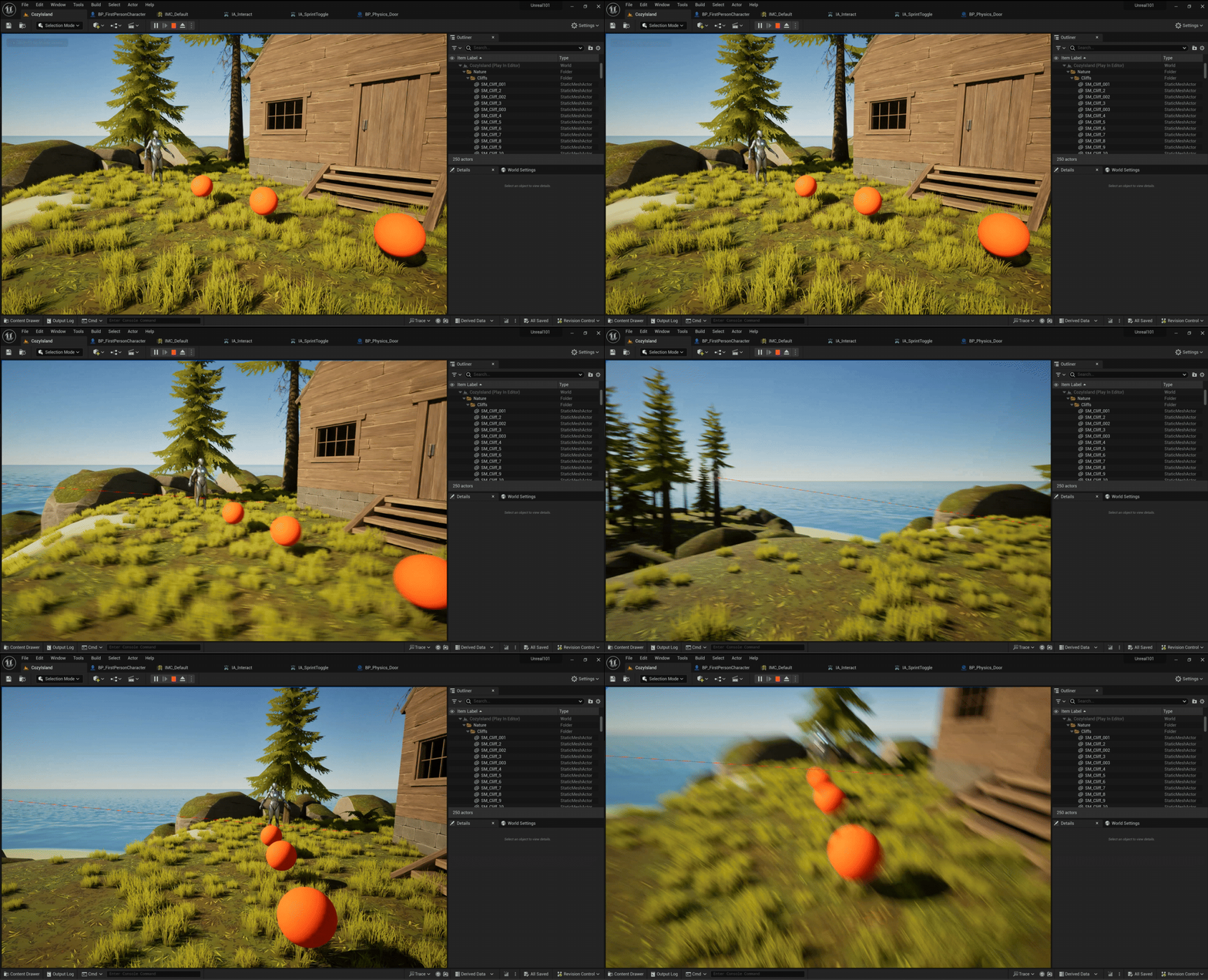
And here’s what we got:

I’ll change the automatic restart to UI Restart/Quit Buttons later, but for now delay functions in Unreal C++!