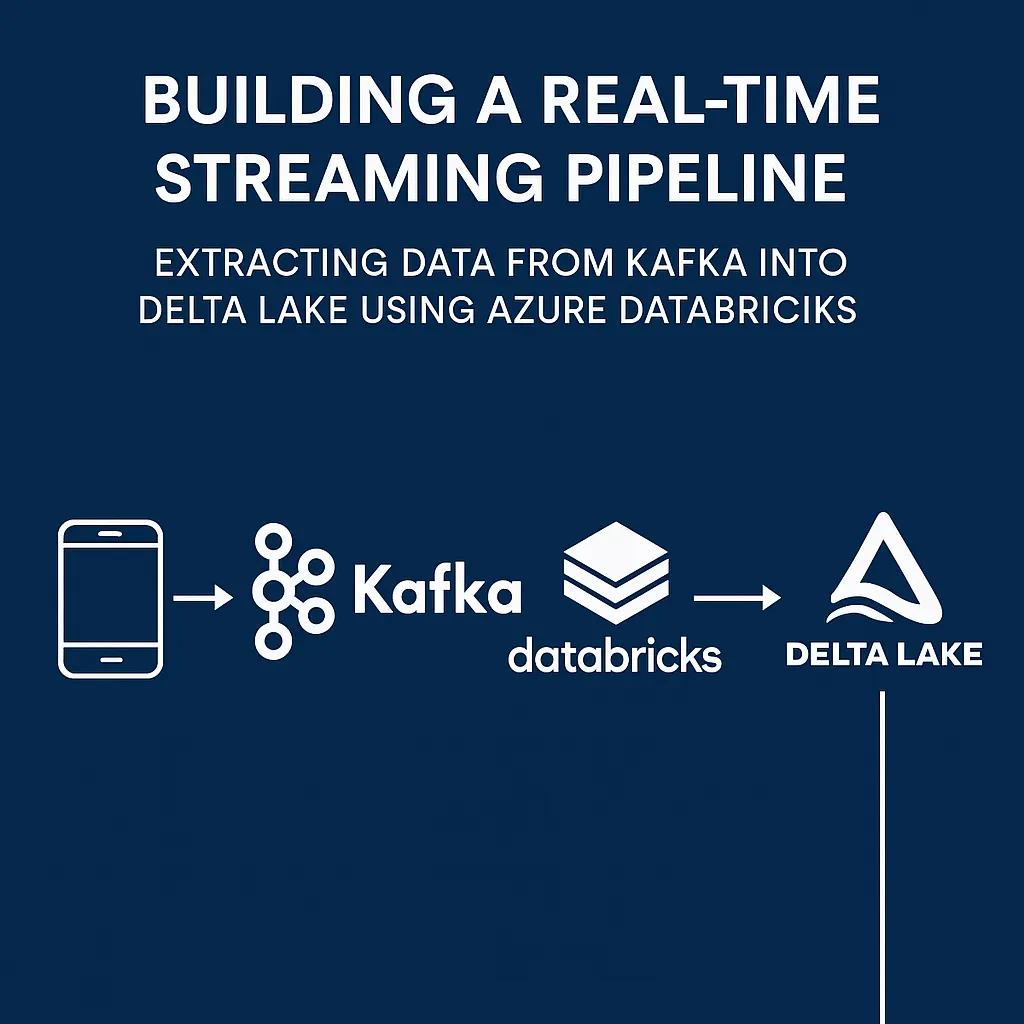
Delta Table Optimization in Databricks:
OPTIMIZE and Z-ORDER Explained in Simple Terms

As your Delta Lake tables grow in size over time, you may notice your queries becoming slower. This often happens because of too many small Parquet files or poor data layout on disk. Fortunately, Delta Lake provides two powerful tools to tackle this: OPTIMIZE and Z-ORDER.
Let’s break them down step-by-step with clear examples and explain when and how to use them.
Why Performance Drops in Delta Tables
Delta Lake stores data in Parquet files on disk. If you’re:
- Ingesting data frequently (e.g., streaming every 5 minutes)
- Using Auto Loader or micro-batches
- Appending small amounts of data regularly
You’ll end up with thousands of small files.
These problems occur:
- Slow queries due to many small file reads
- High I/O costs
- Expensive shuffles during joins or aggregations
What is OPTIMIZE?
OPTIMIZE is used to:
- Merge many small Parquet files into larger files (e.g., ~1 GB)
- Reduce the number of files Spark needs to scan
- Improve query performance by reducing metadata and disk overhead
When to use:
- After loading large amounts of data (especially streaming or frequent writes)
- Periodically on large tables (daily, weekly, etc.)
- Before running complex analytics or dashboard queries
How to use:
OPTIMIZE sales_data;You can also run it programmatically:
spark.sql("OPTIMIZE sales_data")What is Z-ORDER?
Z-ORDER is a data clustering technique:
- Organizes data inside files based on one or more columns
- Helps Spark skip unnecessary files during queries
- Works only with
OPTIMIZE, not during normal data writing
When to use:
- When you frequently filter by certain columns, such as:
customer_idregionorder_date- When queries are reading too much unnecessary data
How to use:
OPTIMIZE sales_data ZORDER BY (customer_id, order_date);You can use one or multiple columns inside the parentheses.
What Happens Under the Hood?
Let’s say your Delta table has 1,000 small Parquet files. When you run:
OPTIMIZE sales_data ZORDER BY (customer_id, event_date);Delta Lake will:
- Read those 1,000 small files.
- Sort the data inside the files by
customer_idandevent_date. - Merge them into fewer, larger files (around 1 GB each).
- Save new files and mark the old ones as obsolete (still available for time travel until VACUUM runs).
What is Z-ORDER?
What About Old Files?
Delta keeps old versions of files for time travel. To actually delete obsolete files and reduce storage, run:
VACUUM sales_data RETAIN 168 HOURS; -- Keeps 7 days of historyRun this only if you no longer need to query old data versions.
4. Partitioning — Split Your Table into Sections
Think of a table like a giant warehouse. If everything is in one big pile, it’s slow to search. If you organize it into sections (like “by region” or “by year”), it’s much faster.
Get Asif Mahaldar’s stories in your inbox
Join Medium for free to get updates from this writer.
That’s what partitioning does — it divides your table into folders by a column.
🧾 Example:
Partitioning by region:
CREATE TABLE sales_data PARTITIONED BY (region);Don’t overdo it. Too many tiny folders will slow things down again.
Best Practices
Best PracticeWhy It’s ImportantDon’t Z-Order on high-cardinality fieldsSorting won’t help much if values are too uniquePartition smartly before using OPTIMIZECombine OPTIMIZE with partitioning for maximum gainSchedule OPTIMIZE weekly or monthlyEspecially for large or frequently updated tablesCombine with VACUUMTo reclaim storage after file mergingUse Query Profile to analyze performanceSpot shuffle issues, full scans, or skewed queries
Real-World Example
You have a streaming table user_events with millions of records and frequent queries filtering by user_id and event_date.
Your optimization job might look like:
OPTIMIZE user_events ZORDER BY (user_id, event_date);
VACUUM user_events RETAIN 168 HOURS;
You can schedule this weekly in Databricks Jobs or using Azure Data Factory pipelines.
Final Takeaway
Delta Lake performance tuning isn’t automatic — but it’s simple and powerful if you know how to apply it:
- Use
OPTIMIZEto compact small files. - Use
Z-ORDERto organize data for faster filtering. - Use
VACUUMto clean up obsolete files. - Schedule these jobs to run regularly for long-term efficiency.