Your PDF File Is Too Large to Send? Here’s the Fastest Fix
What Actually Works When You Hit the PDF Sharing Size Limit


I work with PDFs a lot. I’ve handled broken links, corrupted files, formatting that falls apart, etc. So, when a client asked me to compress a large PDF (over 100 MB) to max 25 MB, I figured it would take a couple of minutes, but it didn’t.
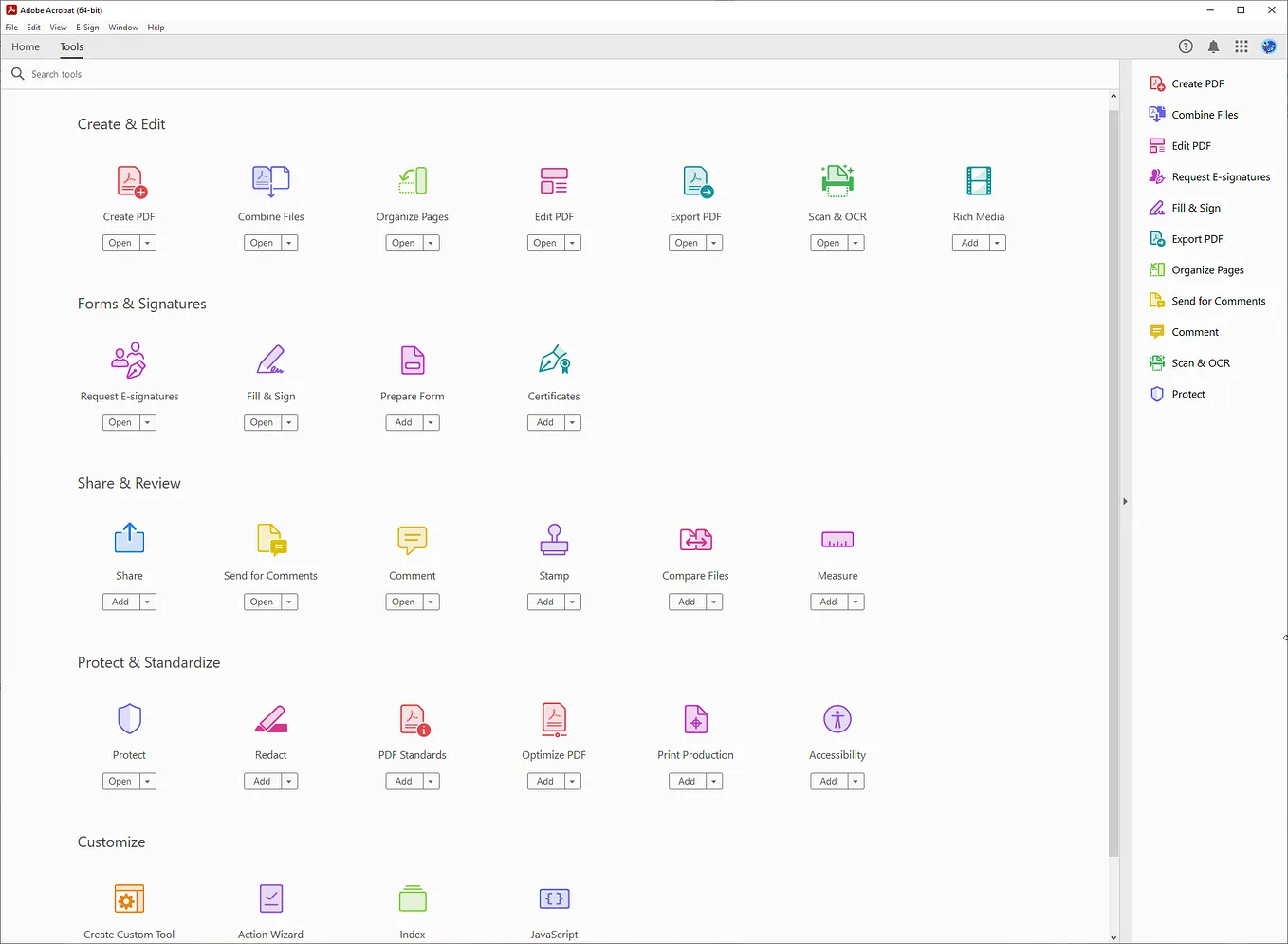
For work, I use Adobe Acrobat Pro which has a compression tool that usually does a pretty good job. But the app just couldn’t handle it this time, and after a few unsuccessful tries and crashes, I had to look for a different solution.
People Usually Try the Obvious Fixes First
So, first I did what anyone would do in my situation: I went online and asked for help. Here are some fixes I think are worth mentioning:
- Replacing images with smaller JPGs. Useful, as images add a lot to the overall size of the document, especially when they are raw or scanned to 300–600 DPI.
- Flattening PDF using the print function. Generally effective, but my PDF had interactive elements that would be lost if I’d done this.
- Splitting the PDF into smaller parts and sending them separately. A good solution, but I couldn’t use it because of client requirements. Plus, you need to take an extra step and merge the document afterward.
- Making a copy and deleting the pages one by one. This helps discover which pages specifically are the largest so you can compress them, but it takes a long time if the document has many.
However, while many of these may work for smaller or simpler compressions, they weren’t the right fixes for my problem. Some reduced my document’s size to a degree that wasn’t sufficient, while others would take too much time to implement, so I couldn’t rely on them.
What Makes PDFs So Massive?
Trying to compress it myself meant figuring out what was making it so heavy in the first place. High-resolution images were an obvious answer, but my research gave me more in-depth results. For example:
- Embedded fonts. Many PDFs contain embedded fonts to preserve the layout of the text on all devices, but this can increase the file size significantly. Font subsetting is a better practice for size reduction; it basically creates a font subset containing only the strictly necessary characters and removes those that aren’t used.
- Unnecessary metadata. PDFs are often bloated because of all the hidden metadata, like author info, comments, annotations, and document properties. This data doesn’t show up in the file content, but it’s in the background, affecting the size.
- Complex design. PDFs with elaborate graphics are typically quite large, since the file must store all the information for rendering the visual elements.
- Scanned documents. Sometimes, PDFs aren’t actually textual files, but instead scanned image files converted into PDF format. These are typically larger, since pixel data takes up more space than text.
The Fastest Fix Usually Wins
Knowing all this helped me reduce the file size to some extent, but most people wouldn’t spend hours on a single PDF compression. I wouldn’t normally either; what we’re looking for is a quick fix that gives good results. This is what Adobe Acrobat Pro usually offers, but it clearly has its limits, too.
Get George Kennedy’s stories in your inbox
Join Medium for free to get updates from this writer.
Luckily, though, Adobe isn’t the only available compression tool, so I turned to the internet once again; this time in search of online PDF compressors.
I tried a few different ones until I came across pdf.net, which brought exactly the kind of balance I was looking for. It uploaded fast and compressed without turning everything into a blurry mess. Plus, it didn’t take nearly as much effort as replacing images, removing complex designs, or manually deleting metadata would’ve taken.
Tiny Frustrations That Add Up
When I look back on all the solutions I got and tried, no wonder people fuss about it. A decent compression tool is really worth it.
I lost only about half an hour on this PDF, but imagine doing that several times a week? That’s hours of lost time that could be better spent on other, more important tasks. Not to mention how tedious implementing these solutions is!
To Conclude
To get back to my initial problem, I did manage to cut down my file size to less than 25 MB, and the client was satisfied with the quality.
If you hit the same wall, skip the manual fixes. Find a compressor that works and save the rest for something worth your attention.