No SMS commands in your GPS tracker manual — what should you do?


You bought a GPS tracker, opened the manual…
And there are no SMS commands inside 😐
Or even worse:
- the manual is missing
- you bought the tracker second-hand
- important commands (like server setup) are not listed
Take it easy — this is frustrating, but usually solvable.
Let’s go step by step 👇
🔍 1. Start with the manufacturer’s website
If your tracker has a recognizable brand, this is your best starting point.
Examples:
- Sinotrack
- Gosafe
- Megastek
- Meitrack
- TKSTAR
- Wonde Proud
👉 Go to the official website
Most manufacturers provide:
- product pages
- downloadable PDF manuals
These often contain the full command list, even if your printed manual doesn’t.
🌐 2. Use Google (seriously, it works)
Search for:
[tracker model] sms commandsOr:
[model] apn setup gps tracker💡 Tip:
Don’t rely on just one source — compare a few results.
(Although sometimes the first result is all you need 😄)
🧠 3. Use the commands you already have
Sometimes your manual includes a few commands, like:
- APN setup
- working mode
👉 That’s a clue.
Take one known command and search for it.
Example:
apn123456 internet📌 This often leads to:
- full manuals
- complete command sets
- including server configuration commands
👥 4. Check forums and communities
Other users have likely faced the same issue.
Get LiveGPSTracks’s stories in your inbox
Join Medium for free to get updates from this writer.
Look for:
- GPS tracker forums
- Reddit discussions
- blog comments
👉 People often share:
- working commands
- real-world tips
- model-specific quirks
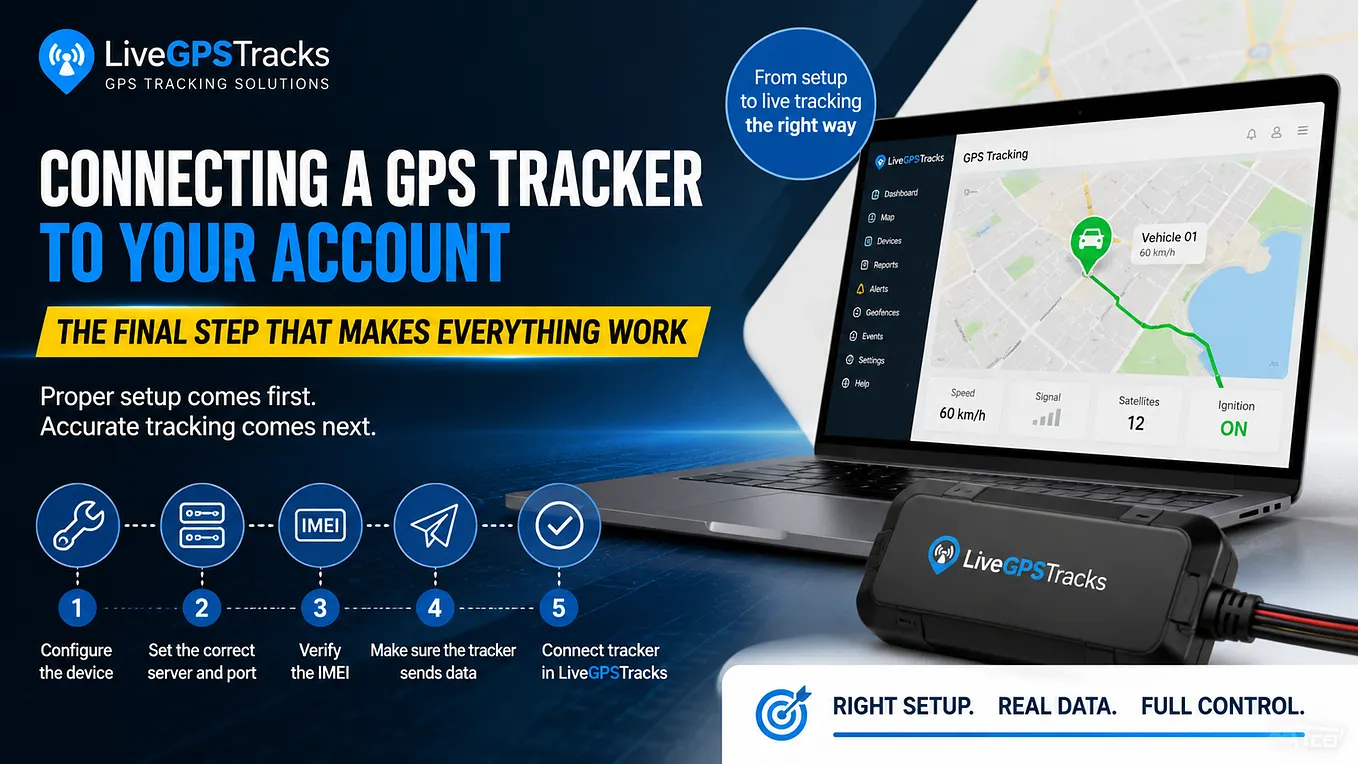
🛰 5. Use ready-made platforms and databases
For example, on LiveGPSTracks:
- there’s a list of supported devices
- many models include a “How to configure” section
- with ready-to-use commands
👉 This can save you a lot of time.
⚠️ 6. Found commands, but they don’t work?
Very common.
Reason:
👉 same model name ≠ same device
This is especially true for generic Chinese trackers.
What to do:
- check the device carefully
- look at the label or packaging
- find additional markings
Example:
TK905 ≠ TK905B ≠ TK905-4G👉 Always search using the full model name.
🤯 7. Found multiple command sets?
Yes, that happens.
Reality:
👉 sometimes you’ll need to test different commands
Tips:
- don’t send everything blindly
- test carefully
- note what works
✉️ 8. Contact the manufacturer or seller
If nothing works — this is completely normal.
👉 Reach out and ask for:
the full SMS command list
This is a standard request.
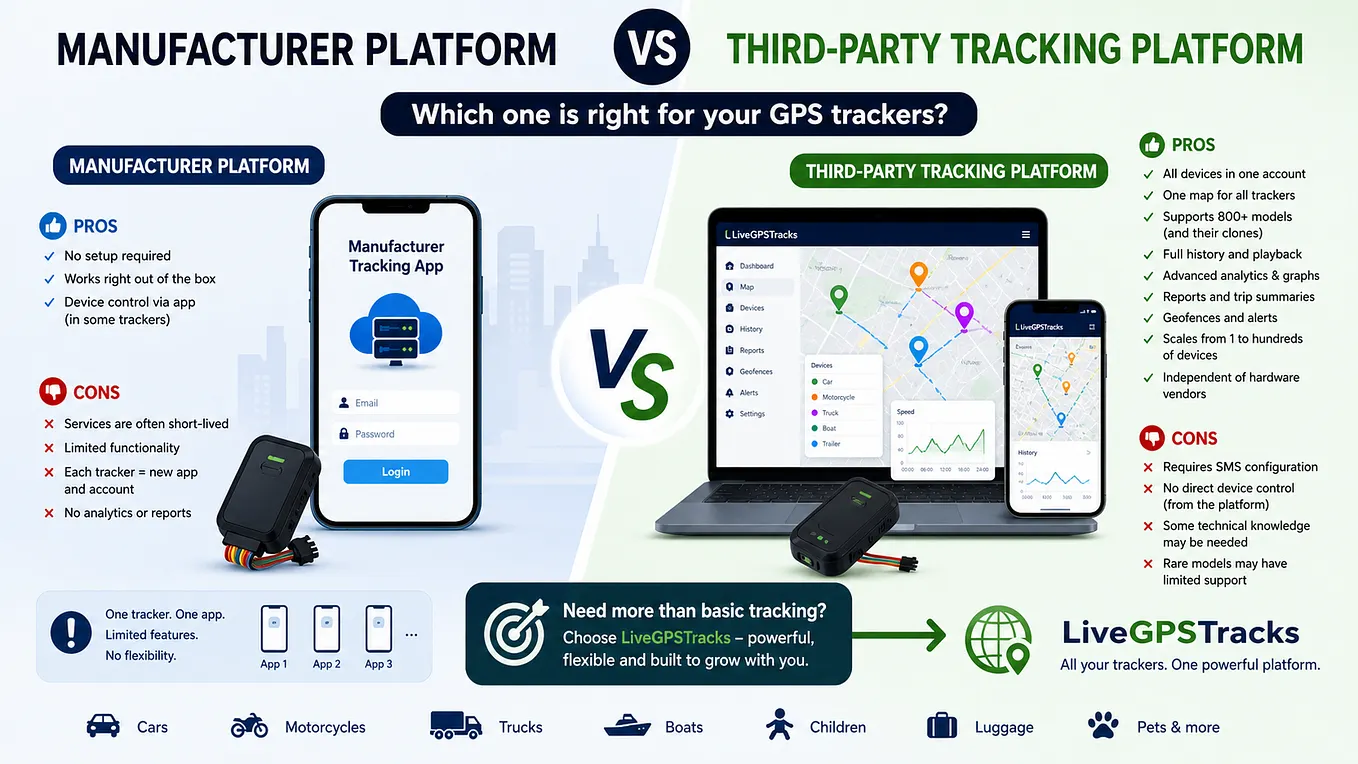
🚫 Important: your tracker might be locked
If there is no server configuration command, it may mean:
👉 the tracker only works with:
- the manufacturer’s platform
- or a limited set of approved services
📌 In that case:
- connecting it to platforms like LiveGPSTracks may not be possible
You’ll need to decide:
- keep using it as is
- or return/replace it
(We’ll cover pros & cons of locked devices in a separate article 👌)
✅ Final thoughts
Missing SMS commands is not a dead end.
In most cases, the solution is:
- Manufacturer’s website
- Google search
- Using known commands
- Community forums
- Platforms like LiveGPSTracks
👉 The key is to stay calm and search methodically.
💡 And yes — often the first Google result solves everything.