Mastering Configuration Management in Node.js: Two Libraries That Will Change How You Handle Config

If you’ve ever built a Node.js application that needs to run in different environments, you’ve probably wrestled with configuration management. Environment variables, CLI flags, .env files — the list goes on. Each source has its own naming conventions, and somehow you need to merge them all into a cohesive configuration object (hopefully).
I’ve been there. And I’ve learned that most configuration libraries try to do too much, becoming bloated monoliths that make simple things complicated.
That’s why I built confederation and zod-confederation — two single-purpose libraries that handle configuration management with elegance and precision. Let me show you how they can simplify your life.
The Foundation
Confederation is the low-level workhorse that focuses on one job: normalizing and merging configuration from multiple sources. It’s zero-dependency, lightweight, and brutally simple to understand.
The Problem Confederation Solves
Imagine you’re building a microservice that needs configuration from:
- Environment variables:
DATABASE__HOST=db.example.com - CLI flags:
--database--port=5432 - An
.envfile:REDIS_URL=redis://localhost:6379
Each source uses different separators and naming conventions. They are all flat key-values. How do you merge them into a single, predictable object with nesting providing extra context?
Solution? Use confederation!
That’s why I built confederation and zod-confederation — two focused libraries that handle configuration management with elegance and precision. Let me show you how they can simplify your life.
import { parsers, unifyConfigurations, utils } from "confederation";
import { parseArgs } from "node:util";
import dotenv from "dotenv";

const configurationSources = [
    {
        value: dotenv.config().parsed, // .env file
    },
    {
        value: utils.pick(process.env, ["DATABASE__HOST", "REDIS_URL"]),
    },
    {
        value: parseArgs({
            args: process.argv.slice(2),
            strict: false,
            allowPositionals: false,
        }).values,
        parser: parsers.dashParser, // For CLI flags like --database--port
    },
];
const config = unifyConfigurations(configurationSources);
console.log(config.database.host); // → "prod-db.example.com"
Confederation handles the heavy lifting:
- Normalizes keys from any convention into camelCase
- Nests objects using separators (
__for env vars,--for CLI) - Merges deeply with proper precedence (later sources win)
Built-in Parsers
Confederation ships with two parsers out of the box:
underscoreParser- ConvertsDATABASE__HOST→database.hostdashParser- Converts--database--host→database.host
But you can create custom parsers too:
const colonParser = {
    nestifyPattern: "::",
    keyTransformer: (key) => key.toLowerCase(),
};

const config = unifyConfigurations([
    {
        value: { "db::PRIMARY::HOST": "db.internal" },
        parser: colonParser,
    },
]);
When Confederation Shines
Confederation is perfect when you need:
- Low-level control over configuration sources
- Multiple input formats (databases, APIs, config files)
- Custom parsing logic
- Zero dependencies in your bundle
It’s the foundation layer that other tools can build upon.
The Developer Experience: Zod-Confederation
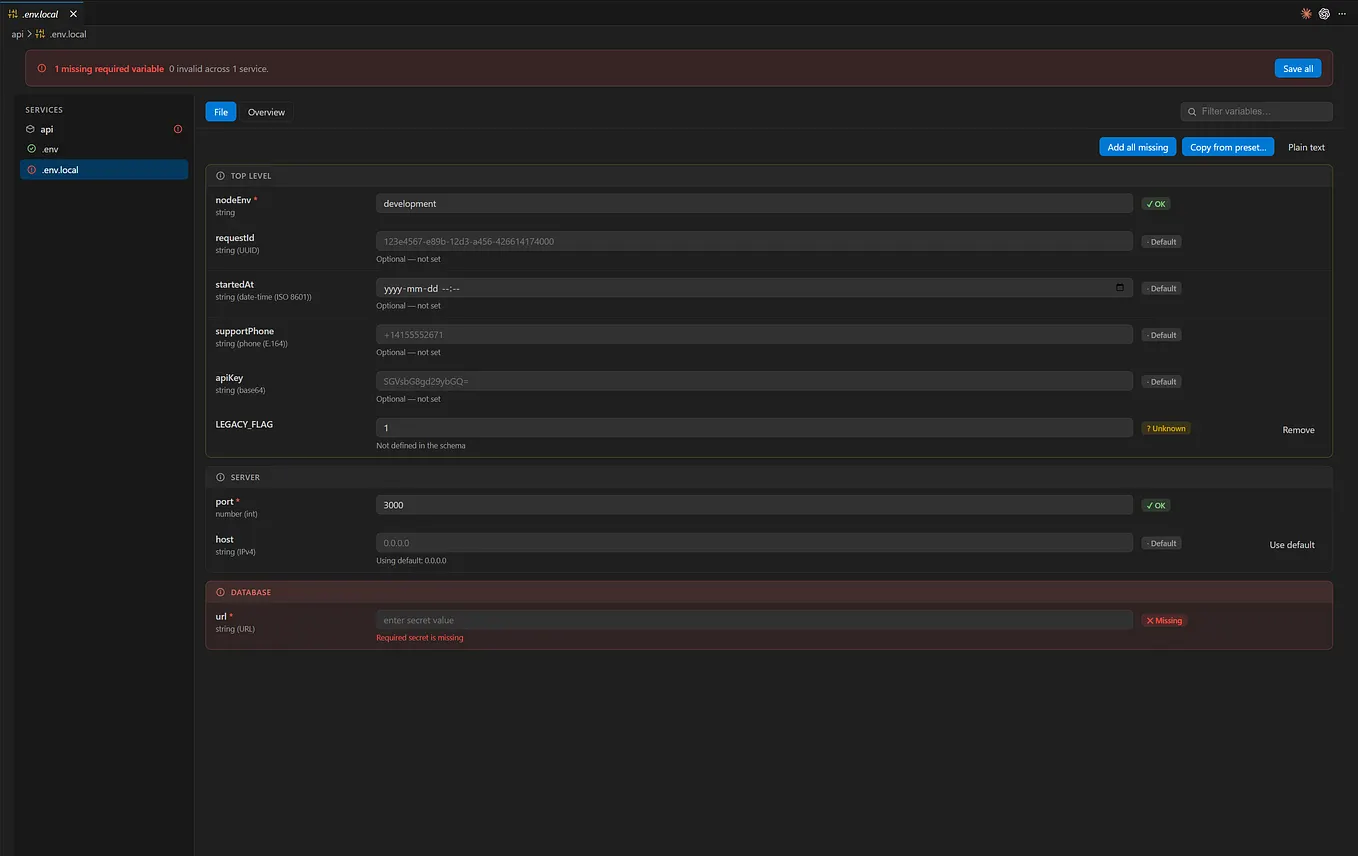
While confederation is powerful, it requires you to define parsers and handle validation separately. That’s where zod-confederation comes in — a high-level wrapper that makes configuration management feel magical.
Schema-Driven Configuration
With zod-confederation, you define your configuration once with Zod, and the library handles everything else:
import { z } from 'zod';
import { parse } from 'zod-confederation';

const configSchema = z.object({
  database: z.object({
    host: z.string().default('localhost'),
    port: z.number().default(5432),
    password: z.string(),
  }),
  server: z.object({
    port: z.number().min(1000).max(9999).default(3000),
    host: z.string().default('0.0.0.0'),
  }),
  debug: z.boolean().default(false),
});

const config = parse(configSchema);
That’s it. Your configuration is now fully typed, validated, and ready to use.
Arguments and process.env values already normalized by confederation and parsed by zod!
Automatic Environment Variable Conversion
Zod-confederation automatically converts your schema keys to environment variables:
# Your schema defines: database.host
# Environment variable becomes: DATABASE__HOST

export DATABASE__HOST=production-db.example.com
export DATABASE__PASSWORD=secret123
node your-app.js --env-file=.env.local
CLI Flags Just Work
The same configuration works with CLI flags using dash-case:
node your-app.js \
  --database__host=production-db.example.com \
  --database__password=secret123 \
  --server__port=8080
Precedence and Error Handling
Configuration sources merge predictably (environment variables, then CLI flags), and validation errors are clear:
try {
  const config = parse(configSchema);
  // Configuration is valid and type-safe
} catch (error) {
  console.error('Configuration validation failed:', error.message);
  process.exit(1);
}
Why No File Loading?
You might wonder why zod-confederation doesn’t load .env files automatically. The answer is intentional design:
Get Artur Kurowski’s stories in your inbox
Join Medium for free to get updates from this writer.
Node.js already provides --env-file for loading environment variables from files:
node --env-file=.env.local your-app.jsThis approach offers several advantages:
- Separation of concerns — File loading is handled by Node.js runtime
- Flexibility — Use any file format with existing tools
- Consistency — Same behavior across different environments
- Simplicity — One less abstraction layer
Choosing the Right Tool
Use Confederation When:
- You need maximum control over configuration sources
- You’re building infrastructure tools or frameworks
- You have complex merging logic or custom parsers
- You want zero dependencies
- You’re integrating with databases, APIs, or other non-standard sources
Use Zod-Confederation When:
- You’re building application code (not libraries)
- You want schema-driven development with validation
- Type safety is a high priority
- You need zero-configuration setup
- Your config comes from environment variables and CLI flags
The Power of Composition
The beauty of this approach is that both libraries work together. Zod-confederation uses confederation under the hood, so you get the best of both worlds.
If you need something custom, you can always drop down to confederation’s lower-level APIs while keeping the same merging and normalization logic.
Getting Started
Both libraries are available on npm:
# For the low-level foundation
npm install confederation

# For the high-level, opinionated experience
npm install zod-confederation zod
Final Thoughts
Configuration management doesn’t have to be the messy part of your application. With confederation and zod-confederation, you can handle complex configuration scenarios with confidence and elegance.
The key insight is separation of concerns: confederation handles the complexity of merging and normalizing different sources, while zod-confederation provides the delightful developer experience of schema-driven configuration.
Give them a try in your next project. I think you’ll be pleasantly surprised at how much simpler configuration management can be.
Have you tried these libraries? What configuration challenges have you faced? I’d love to hear your thoughts and experiences in the comments below.
About the Author
I’m a software engineer passionate about developer experience and TypeScript. I built these libraries after wrestling with configuration management in too many projects.