Getting Unity VR Ready

Aight, so let’s say we’ve got a Quest, and we can connect it to our PC like so. For this article, let’s check out how we can hook up our Quest in Unity for development!
Get Brian Stong’s stories in your inbox
Join Medium for free to get updates from this writer.
First let’s make a new Unity Project. I’ll call it…VR Demo:

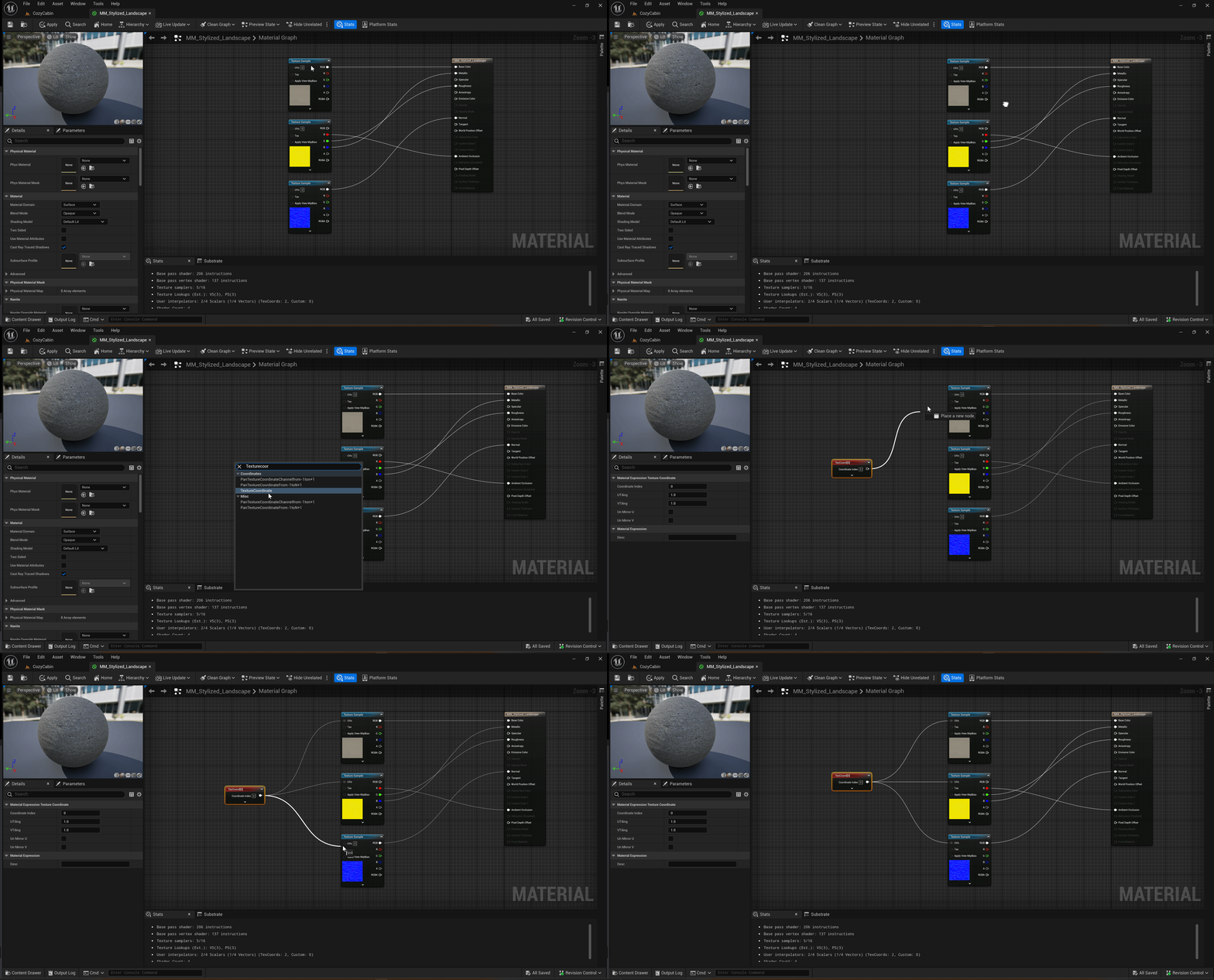
In our new project we’ll need to import a package called XR Plugin Management. So we’ll go to Window → Package Manager:

From here we’ll filter by Packages: Unity Registry at the top, scroll down to XR Plugin Management, and hit Install:

No we gotta enable the plugin in the Project Settings, so we’ll go to Edit → Project Settings:

From here, at the very bottom we’ll check out XR Plug-in Management. We’ll make sure Initialize XR on Startup is checked (this will allow the Camera view to show up in our VR Headset when we press Play in Unity!), and we’ll also check Oculus:

Checking Oculus for the first time automatically installed the Oculus XR Plugin, which is the magic that allows Unity to display the Main Camera view to our VR Headset:

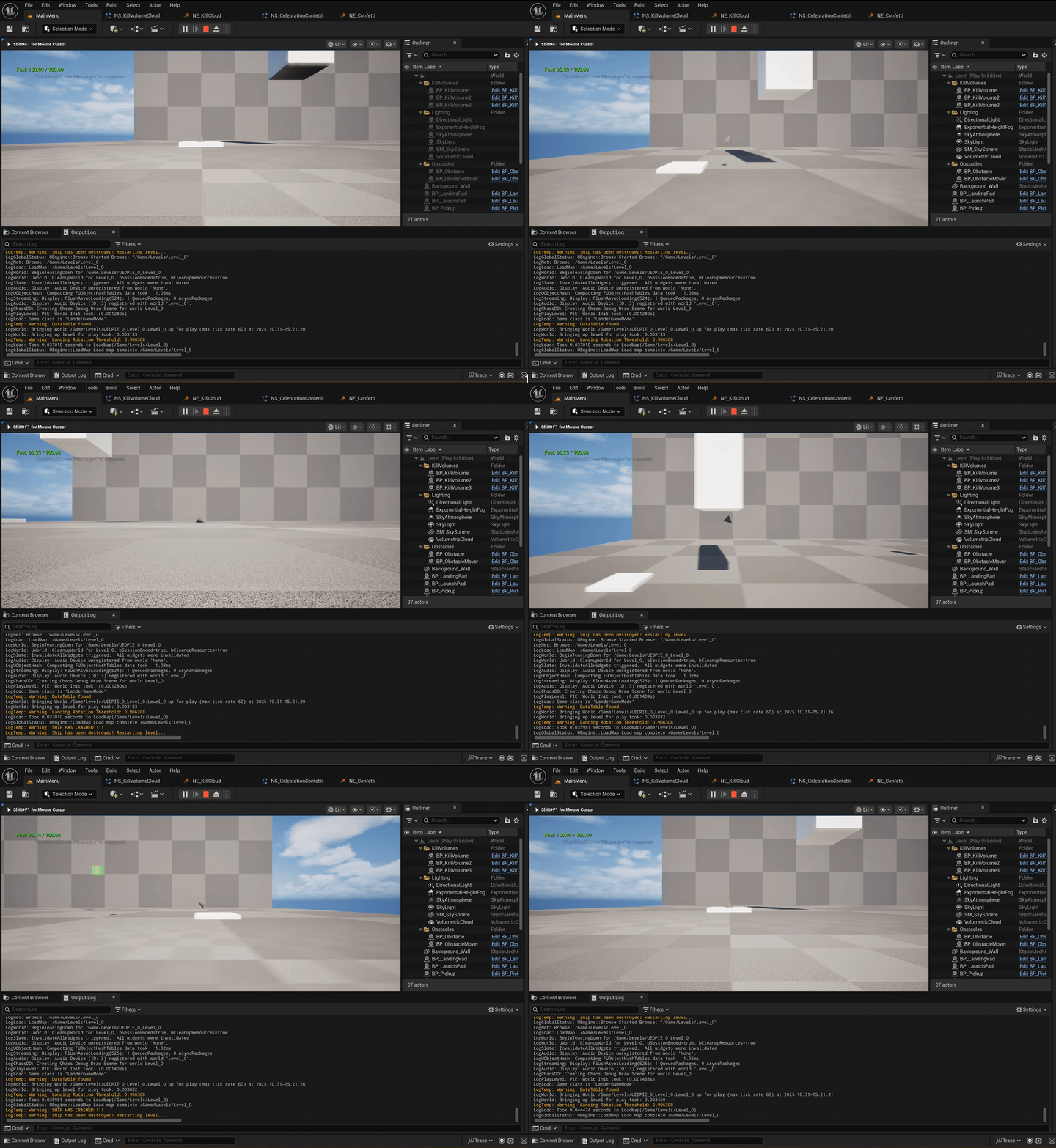
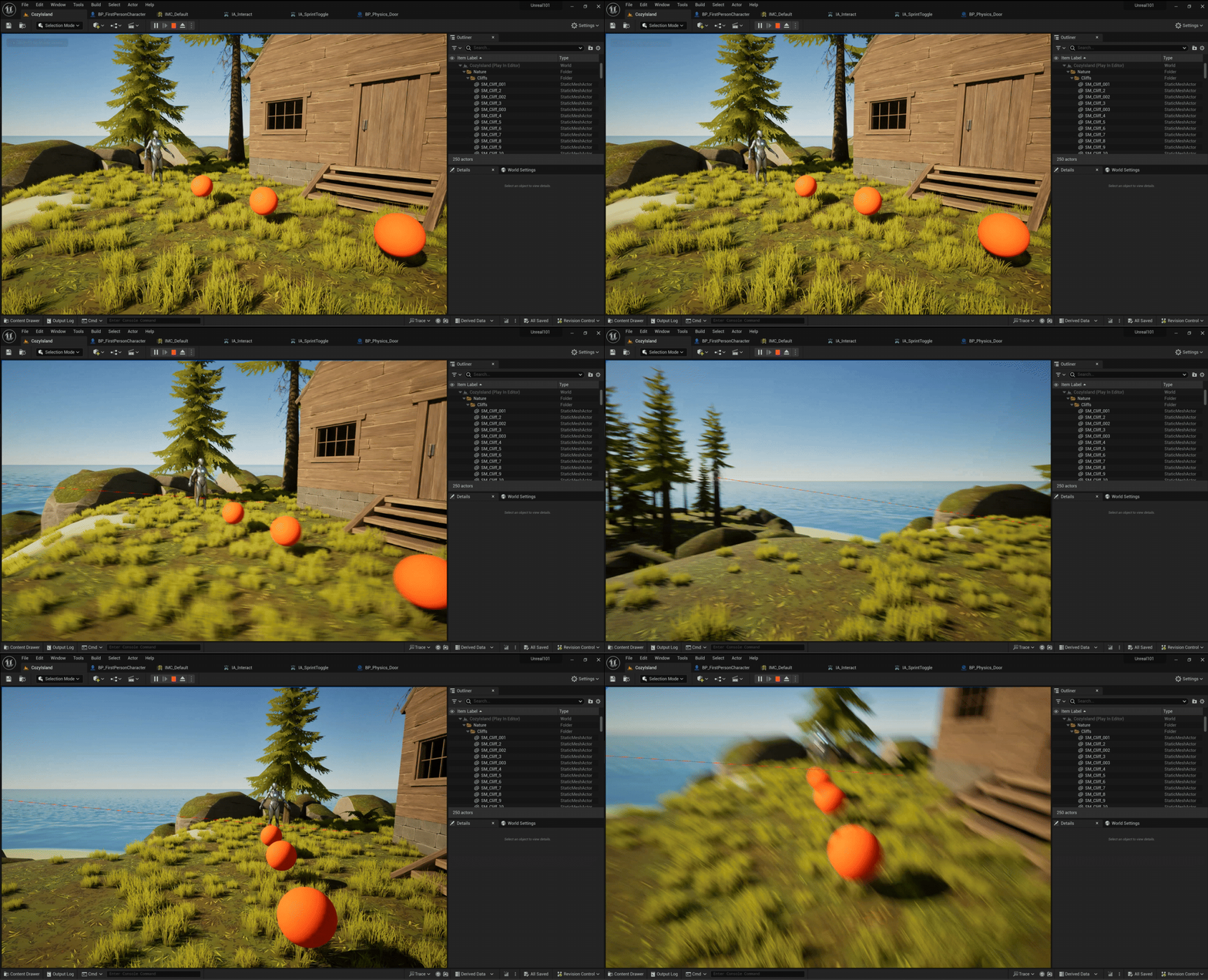
So to test it out I strapped on my Quest, enabled Quest/Oculus/Rift Link, or whatever these crazy kids are calling it these days, and I sure enough saw that Unity horizon and beautiful blue sky right in my face! Sorry I don’t have pictures though, screenshot capture didn’t work while I was connected to Unity🤷♂️, but trust me, it was pretty cool!