How to Compress Images Locally in the Browser Without Uploading: The Ultimate Solution for Website Speed and Privacy

Digital visual media accounts for over 60% of total internet data transfer today. While essential for user engagement, large and unoptimized image files remain the primary cause of slow server response times, degraded Core Web Vitals, and high bounce rates. In today’s digital landscape, relying on traditional cloud-based tools that require uploading your files to external servers is no longer a viable or secure option. The definitive technological shift is moving toward local, client-side image processing directly inside the user’s browser.
🛑 The Flaws and Risks of Cloud-Based Image Compression
Most popular image optimization tools rely on server-side processing pipelines that introduce critical operational and security bottlenecks:
- EXIF Data Leakage Risks: Raw images contain sensitive metadata such as GPS coordinates, device models, and timestamps. Uploading these files to third-party servers exposes private data.
- Bandwidth Waste and Latency: Uploading heavy raw images and downloading compressed versions consumes massive network resources and wastes valuable time, especially with batch workflows.
- User Friction & Paywalls: Restrictive file size caps, frustrating CAPTCHAs, and hidden subscription walls disrupt productivity.
⚡ The Engineering Solution: Client-Side Browser Processing
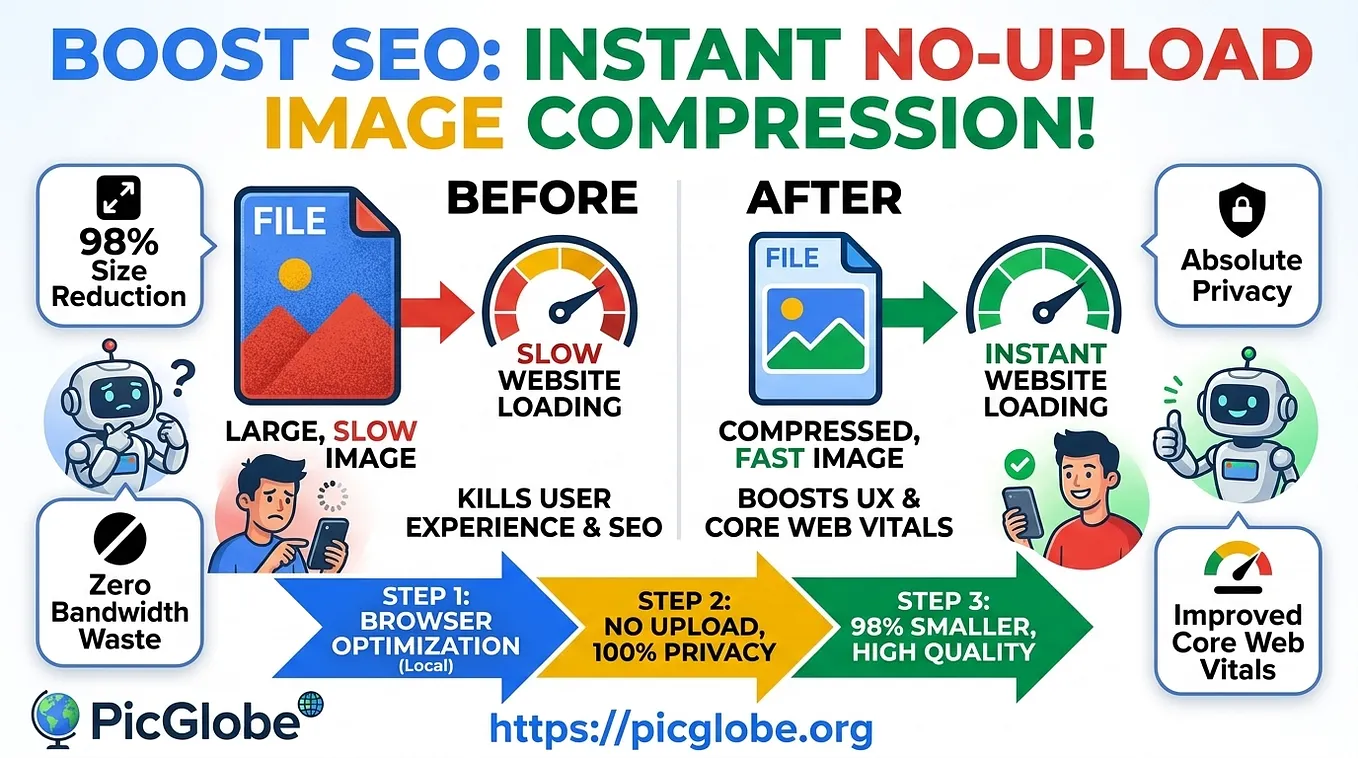
By shifting computational workloads entirely to the user’s local browser memory, PicGlobe allows you to optimize images and reduce file sizes by up to 98% in fractions of a second — without sending a single byte across the network.
Key Technical Advantages of Local Processing:
- Absolute Privacy & 100% Security: Your files never leave your device. Processing happens entirely on your local machine with automatic stripping of hidden metadata (EXIF/GPS data).
- Zero Bandwidth Waste: Eliminating the need to upload or download raw files makes the process instantaneous and saves bandwidth.
- Core Web Vitals Boost: Shrinking image sizes dramatically improves Largest Contentful Paint (LCP), directly enhancing your SEO rankings.
- Free and Unlimited Access: No hidden fees, no subscription requirements, and no arbitrary limitations on your workflow.
🌐 Simple Workflow for Global Reach and High SEO Ranking
The optimization workflow consists of three seamless steps:
- Local Browser Processing: Reduce image file sizes by up to 98% locally while retaining pristine visual clarity.
- No-Upload Architecture: Guarantees that your data remains securely within your browser environment.
- Instant Global Delivery: Compressed assets are ready instantly, letting you deliver blazing-fast experiences to visitors worldwide .
🚀 Boost Your Site Speed Today
Stop compromising your data security and slowing down your website. Experience the ultimate zero-upload, privacy-first image compression tool now.
Get PicGlobe’s stories in your inbox
Join Medium for free to get updates from this writer.
👉 Direct Tool Link for Free Instant Use: https://www.picglobe.org/tools/image-compressor