Why Client-Side Image Compression is the Future of Web Performance and Data Privacy
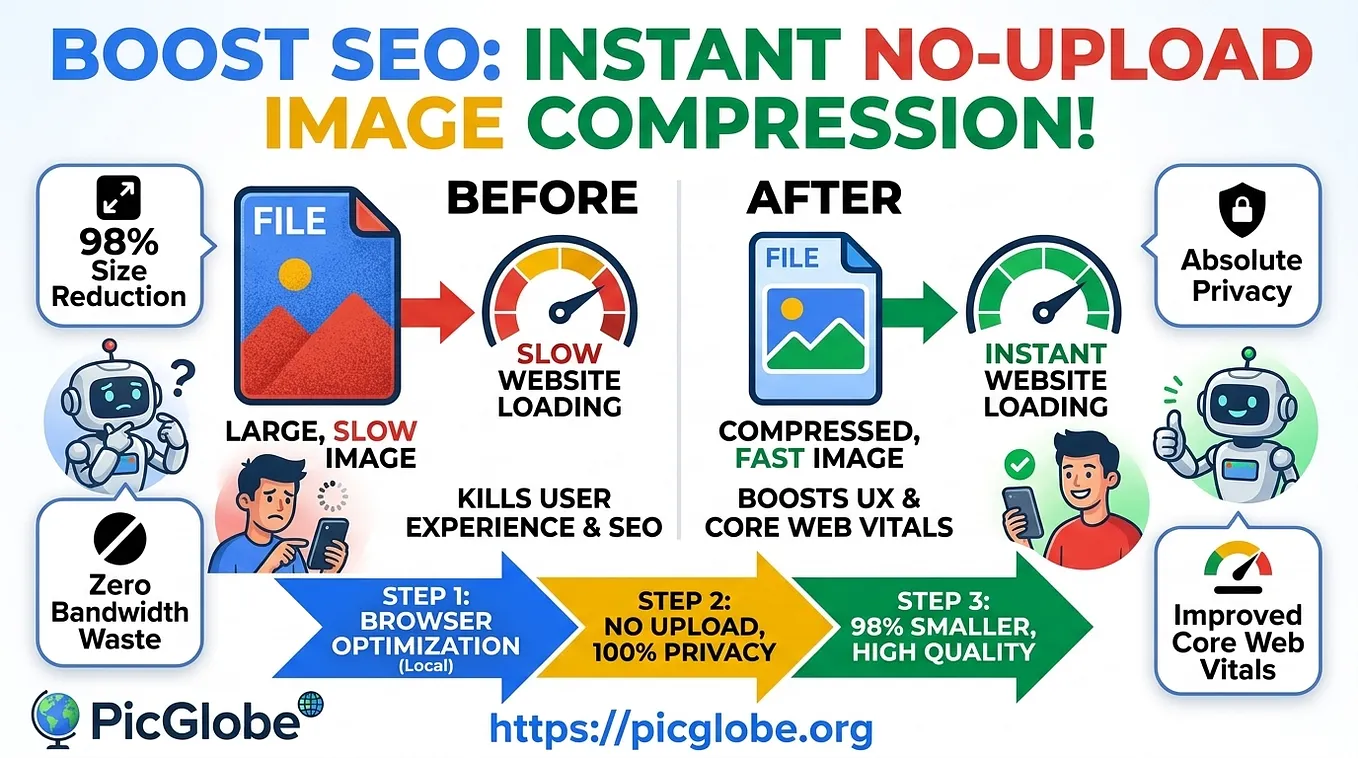
Web performance and privacy are often seen as competing priorities. Optimizing media for faster page loads usually means sending high-resolution images to third-party servers for re-encoding and compression. However, modern web standards have made a frictionless, privacy-first approach possible: client-side image compression.
By processing files directly in the browser using local resources, webmasters, developers, and online store managers can compress media instantly without uploading a single byte to external infrastructure.
## The Problem with Traditional Server-Based Compression
Most conventional online image tools follow an outdated process:
1. You select a batch of images.
2. The browser uploads those raw files to a remote server.
3. The server processes and compresses the images.
4. You wait to download the compressed output.
This workflow creates notable bottlenecks:
- Bandwidth Waste: Uploading large, uncompressed files takes time and relies heavily on network speed.
- Privacy & Security Risks: Photos often contain EXIF metadata — including GPS coordinates, device information, and camera settings. Sending sensitive or unreleased product images to external servers raises privacy concerns.
- Friction & Signups: Many tools impose strict file limits, add watermarks, or demand account creation just to lower a file size.
## How Client-Side Browser Compression Works
Get PicGlobe’s stories in your inbox
Join Medium for free to get updates from this writer.
Client-side image compression shifts the processing power from remote servers straight to the user’s local web browser. Utilizing modern JavaScript APIs and WebAssembly, images are loaded, re-encoded, and compressed entirely within your device’s memory.
Key Advantages of Local Processing:
- Zero Data Uploads: Your original photos never leave your device, ensuring total data privacy.
- Instant Local Re-Encoding: Metadata such as EXIF and location tracking is automatically stripped during re-encoding.
- No Registration Required: Users can process multiple files (JPEG and PNG) in seconds without filling out signup forms or creating accounts.
- Massive Size Reductions: Achieve up to 98% savings in file size while retaining visual quality.
## A Practical Workflow for Developers & Store Owners
Whether you are preparing a photo gallery for a community forum (vBulletin, phpBB, XenForo) or optimizing product listings for an ecommerce catalog, a fast browser-based tool simplifies your preparation:
1. Batch Processing: Select up to 25 JPEG or PNG files simultaneously.
2. Quality Control: Adjust compression sliders (70–85% is typically the optimal balance for web delivery) and cap maximum width or height parameters.
3. Instant Download: Save optimized files directly to your machine for deployment.
Experience this seamless workflow firsthand. Visit the free PicGlobe Image Compressor to optimize your photos directly in your browser without signing in: https://picglobe.org/tools/image-compressor
## Conclusion
Optimizing web media no longer requires sacrificing privacy or sitting through forced account registrations. Browser-based compression offers a secure, fast, and highly efficient solution for modern creators, developers, and site owners.