SnapMatrix vs CleanShot X: An Honest Comparison of Mac Screenshot and Screen Recording Tools
Two Mac screenshot tools compared feature by feature — capture, annotation, Grab Text OCR, recording, Library, guides and citations — price last. Verified October 31, 2026.
By Md Alam, Founder of Chilview LLC

People kept asking me how SnapMatrix — the Mac screenshot and screen recording app I built at Chilview — compares with CleanShot X, the polished Mac screenshot tool I respect. Here is that comparison: features first, price last, honest about where CleanShot X wins.
CleanShot X facts verified from cleanshot.com on October 31, 2026.
What these Mac screenshot tools have in common
Both are Mac-only. Both capture a region, window, display, and scrolling page, annotate and redact screenshots, recognise text with on-device OCR, and record the screen with microphone and camera. The differences are workflow, where captures live, and what happens after the capture.
Capture: floating capture bar vs Quick Access Overlay
SnapMatrix starts from a floating capture bar, always on top, horizontal or vertical. From it you choose Display, Region, Window, or Full page stitched scroll, start a recording, toggle microphone and camera, and open the Library. Presets: Quick copy, Edit shot, Timed region, Full page — with 3, 5, and 10-second delays, Auto or Manual scroll, and hotkeys Print Screen/F13, Alt+Shift+W, and Alt+Shift+H.
CleanShot X organises capture around its All-In-One mode and the Quick Access Overlay after a capture, for saving, copying, annotating, or dragging into another app. Its features page lists scrolling capture in every app, a self-timer, freeze screen, and a crosshair and magnifier. That freeze-screen work is genuinely good; SnapMatrix claims no equivalent.
Annotation editor: marking up screenshots and how-to guides
SnapMatrix’s annotation editor — paid plan — includes arrow, rectangle, ellipse, text, draw, highlighter, numbered steps, redact and blur, callout, and crop, with layers and zoom. Export is PNG, JPG, or WebP at Original, 16:9, 9:16, 1:1, or Custom sizes, and custom resolution editing works for images and recordings.
CleanShot X’s editor is deep too: crop, pixelate, blur, spotlight, step counters, pencil, a highlighter with smart text-size detection, arrows in four styles including curved, and a text tool with seven styles. It adds a Background tool with reusable presets, and can combine screenshots into one image. On annotation variety and polish, CleanShot X is ahead. SnapMatrix goes a different way — toward documents, below.
Grab Text and OCR: copying text from screenshots
Both tools recognise text on-device. CleanShot X says its OCR runs completely on-device, supports more than 30 languages, copies text from any image, and reads QR codes. SnapMatrix’s Grab Text is a capture mode in the bar: select a region and it extracts the text using Apple Vision on your Mac, nothing uploaded. The results panel gives you editable text, a Plain text toggle, Copy All, and Open as image. Grab Text is part of SnapMatrix’s paid plan. For many OCR languages or QR codes, CleanShot X is broader.
Screen recording for tutorials and demos
SnapMatrix records a display or window with optional microphone and webcam bubble, a countdown, and live Pause, Stop, and timer controls. In the review panel you trim the start and end, zoom 1x to 2.5x, apply size presets or a custom resolution, and export a GIF of roughly the first 8 seconds.
CleanShot X records as MP4 or GIF, captures microphone and computer audio together — SnapMatrix’s list covers microphone, not system audio, so I will not pretend otherwise — and shows clicks and keystrokes. Its Studio Mode editor adds smart zooms that follow your cursor, smooth cursor movement, motion blur, and background styling. For polished demos, CleanShot X’s video editor is stronger today. SnapMatrix is deliberately simpler: record, trim, zoom, GIF, done.
Get Md Alam’s stories in your inbox
Join Medium for free to get updates from this writer.
Library, guides and citations: what happens afterwards
This is the largest real difference. SnapMatrix keeps captures in an on-Mac Library: a local grid you search by title or project, organise with tags and collections, and turn into a Guide with a Bibliography. The editor adds citations in MLA, APA, and Chicago styles — built for teachers, students, researchers, and tutorial makers who need a screenshot to become a sourced document. CleanShot X’s feature list does not offer guides, bibliographies, or citations; instead it offers capture history for up to a month and one-click upload to CleanShot Cloud, with shareable links, comments, transcription, and 4K video.
CleanShot X asks, how fast can I share this? SnapMatrix asks, how do I find, organise, and cite this later — without it leaving my Mac?
Privacy, cloud, and teams
CleanShot X is clear that a Cloud account is not required; the Cloud is for uploading. Pro sharing adds custom domain and branding, file access control, and password protection, plus centralised management, SSO, and SCIM — enterprise controls SnapMatrix does not claim. SnapMatrix takes the opposite default: no captures or personal machine data are sent to Chilview, and Chilview hosts nothing. For backup, you point it at your own HTTPS API or your own Supabase. Organisation seats stay with the organisation, with a per-person recording toggle. If IT requires SSO or SCIM, that alone can settle this for CleanShot X.
Where CleanShot X honestly wins
Video polish: Studio Mode smart zooms, cursor smoothing, and motion blur.
Sharing speed: one-click CleanShot Cloud links, comments, and transcription.
Extras SnapMatrix does not offer: Background tool, pinned screenshots, capture history, QR codes, computer audio.
Enterprise controls: SSO and SCIM on Pro.
Price, covered last — including the honest concession
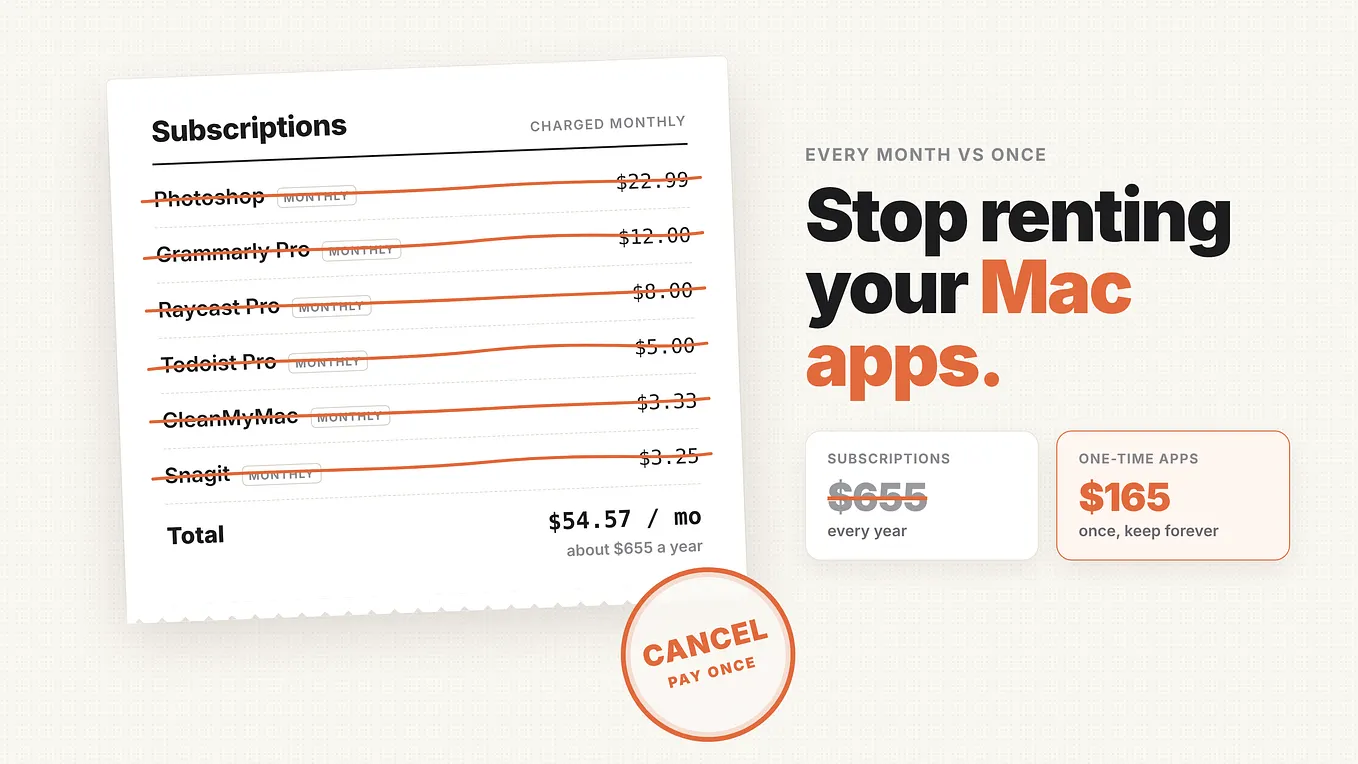
Verified from cleanshot.com on October 31, 2026: CleanShot Basic is $35, pay once and use forever, with one year of updates, an optional $19 per year renewal after that, and 1 GB of Cloud storage. CleanShot Pro is $10 per user per month billed annually — $120 per user per year — with unlimited Cloud, custom domain and branding, and the team features above. No free trial; a 30-day money-back guarantee instead, and it is also on Setapp.
SnapMatrix: screenshots are free forever, captures staying on your Mac. The paid yearly plan unlocks annotation, recording, Grab Text, and the Library: $34.99/year individual, $37.99/user/year for organisations of 1–100, dropping to $34.99/user/year at 101+ seats.
The concession, plainly: over several years, CleanShot Basic at $35 one-time is cheaper than SnapMatrix at $34.99 every year. If one-time pricing decides it, CleanShot X wins on long-run cost. SnapMatrix counters twice: screenshots cost nothing forever, and an organisation seat at $37.99/year is far below CleanShot Pro at $120/user/year.
So, SnapMatrix or CleanShot X?
Choose CleanShot X if you live in share links, want the most polished recording editor, need SSO or SCIM, or prefer to pay once. Choose SnapMatrix if you want free Mac screenshots forever, an on-Mac Library with search, tags, and collections, guides and bibliographies with MLA, APA, and Chicago citations, Grab Text OCR, custom resolution editing for images and recordings, and captures that never leave your Mac. Both are serious Snagit alternatives for Mac.
Try SnapMatrix free
Download SnapMatrix for Mac: https://getchilview.com/snapmatrix — screenshots free forever; yearly plans unlock annotation, recording, and Library.
— Md Alam, Founder, Chilview LLC · https://getchilview.com · support@getchilview.com