Making Presentations In The Terminal

Because who needs PowerPoint.

As developers, there’s one thing we hate, and that’s point-and-click applications. Powerpoint, Word, Windows settings, it all sucks because we cannot just type what we want in a language that’s universally understood.
But what if I tell you there’s a few options out there anyway.
Slides
Slides is a GitHub repository by Maaslalani for a terminal viewer in the terminal. It works by using markdown files and changing parsing them to simple presentations. I’ve been using it for all my courses on Udemy and it’s been amazing so far.
Get mbvissers | Quick Programming’s stories in your inbox
Join Medium for free to get updates from this writer.
It’s writting in Go, so it’s very fast too. Haven’t seen it lag once.

As you can see, It’s not just text. Code snippets, Headers can all be used inside a Slides presentation.

It starts very simply by using a header with # and separating slides with --- (triple dash)
# First Slide

Some content

---

# Second Slide

Some more content
Slides will automatically handle splitting them into to slides that you can switch to by using arrow keys like you’d expect from a presenter application.
slides presentation.md
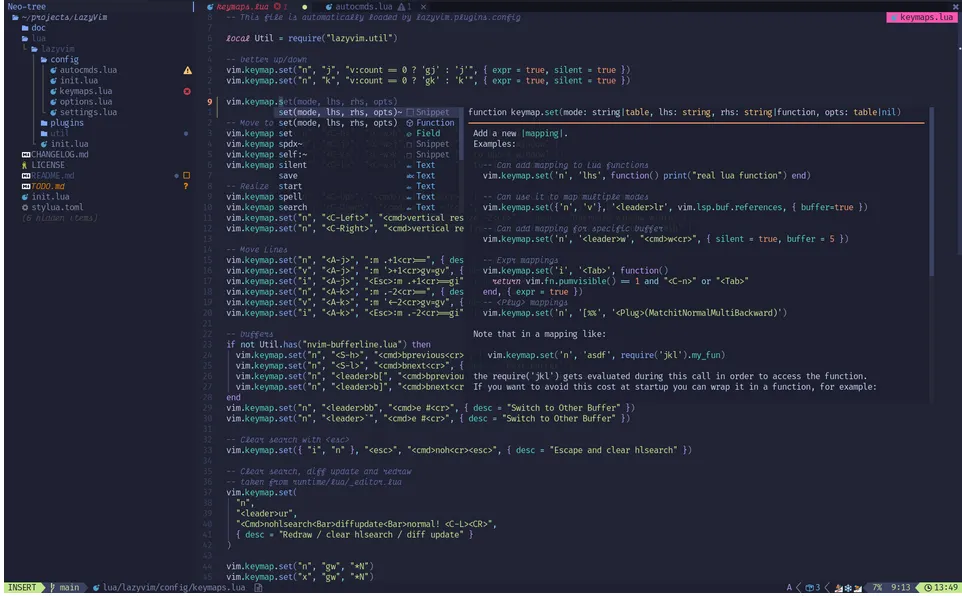
I’ve been making my presentations fully in the terminal. Editing with Vim or Neovim, and presenting them with Slides and for me it’s a great workflow that I can recommend to many people.
Conclusion
My presentations are always made with care in Vim and presented with Slides. I’ve first used it for my Vim course, and after that for all my other courses (seriously!).
Vim is easy fairly to learn the basics of, it’s everywhere, it’s small, and VERY capable for work that you already do on a daily basis.
Start learning Vim with my course on Udemy that you can find here. It helps me out a lot since I offer my articles on here for free now.
Thank you so much for reading and have a wonderful day.