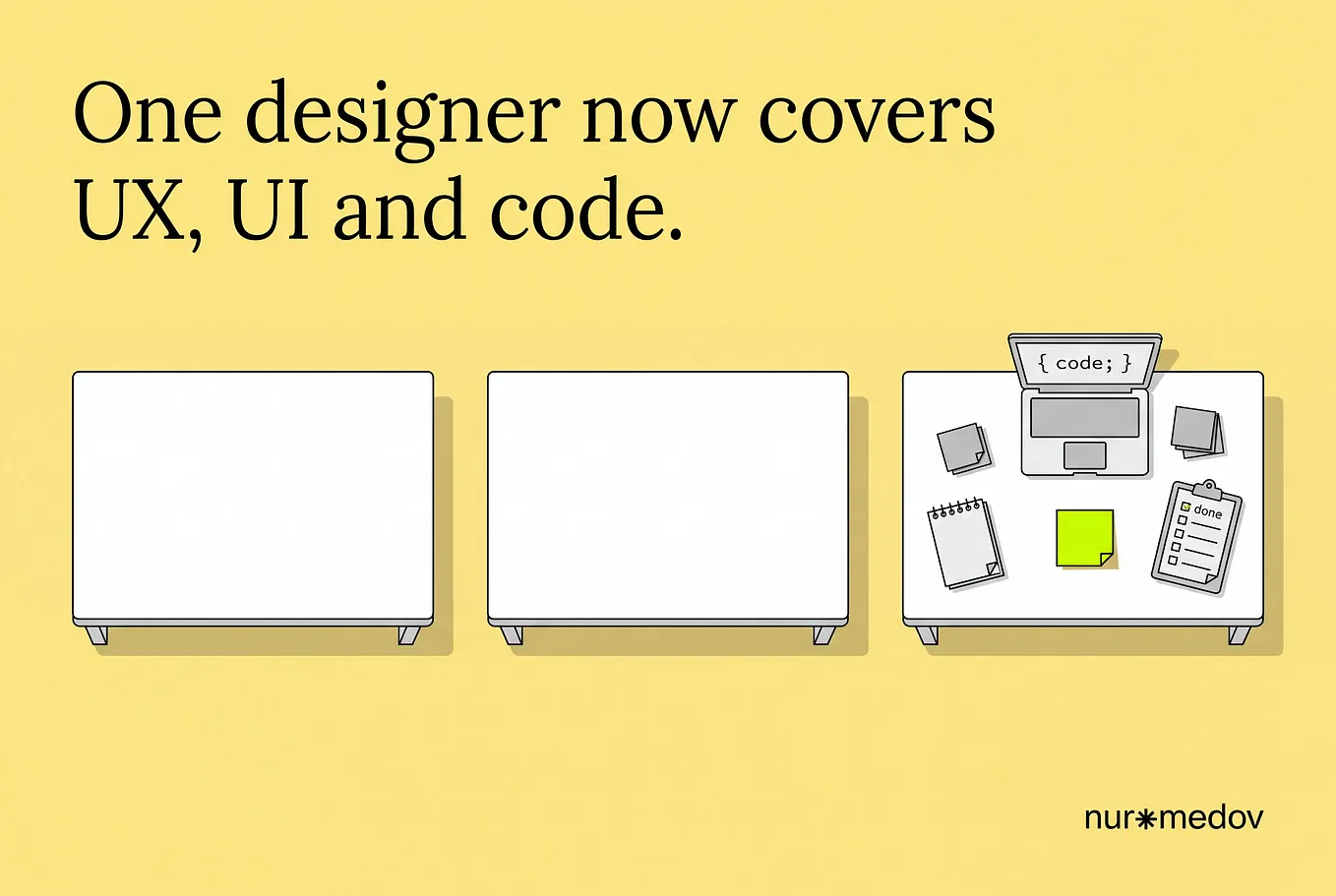
Member-only story
Figma is coming for the work I moved to Claude
Config India 2026 feels less like a feature update and more like Figma rethinking what a design tool should be.


For the past few months, I’ve been using Claude to do a lot of my design execution. I’d give it my existing HTML, CSS and JavaScript files, discuss the problem, explore multiple approaches, and have it build working versions that I could compare and present to clients.
I could spend more time thinking about the problem and less time wrestling with the canvas.
Then I had to go back to Figma for a while. It was a jarring reality check. Going from an environment where I could get an interface rendered and ready to validate in ninety seconds to a traditional vector canvas felt agonisingly slow. I was back to configuring auto-layout, managing component variants and wiring up prototype links to simulate something Claude had already built as functional code.
Now, Figma seems to be moving in that same direction.
At Config India 2026 in Bengaluru, Figma announced a set of features that point towards a different idea of what happens on a design canvas. We’re moving beyond static screens and clickable prototypes towards functional interfaces, code, and AI agents working in the same…